In and out up to 15x while taking photos using a slider. Auto-stabilize images and videos. Adjust photo quality automatically. Use timer settings for 3, 10, or 20 seconds. Enable tap-to-shoot or swipe-to- options. Video available via in- purchase.
by Kenneth Kao★ 4.6789 ratingsPhoto & VideoFreeData updated 2026-09-08
Control camera remotely, preview live feed, capture
Control camera settings remotely using two iPhones, one as camera and one as remote. View live previews in real time. Capture photos, videos, and timelapses. Adjust flash, focus, exposure, zoom, timer, ISO, shutter speed, and white balance manually.
Record video with dual cameras to capture both the scene and your reaction. Customize picture-in-picture position. Use edge-casting light for improved low-light performance. Choose cinematic frame rates of 20, 30, or 60 fps.
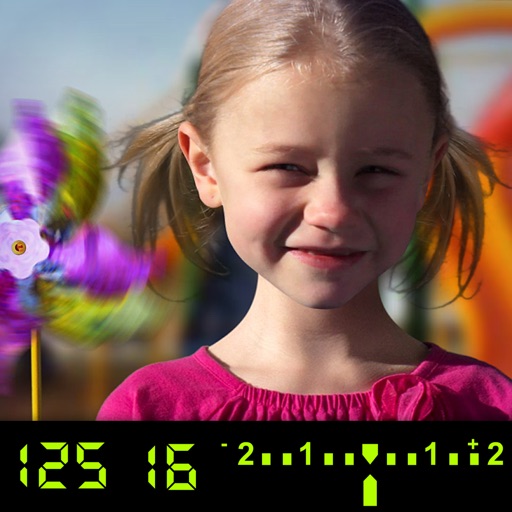
The app visually explains DSLR camera controls and allows users to experience the effects of various settings. It provides instant feedback and advice on user settings, making it a tool for learning photography.
Turn photos into retro video game-style images. Select pixel shapes, sizes, and color schemes. Adjust colors and flatten palettes. Pinch to resize pixels or double-tap to switch color modes.