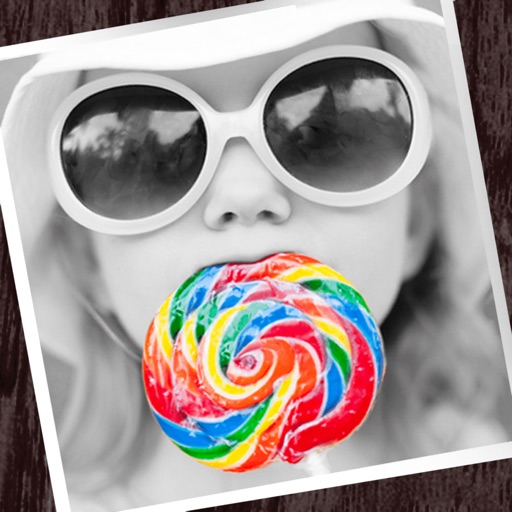
Edit photos by converting them to black and white while retaining selected details. Use multi-touch gestures to paint areas in black and white or restore original colors. Zoom in and out with two-finger pinching. Adjust and export edited images.
by Pocket Pixels Inc.★ 4.96,491 ratingsPhoto & Video$1.99Data updated 2026-11-13
Create digital paintings using 8 fixed bases including black, white, and selected colors. Mix colors to create custom shades. Use ideal and Ferrario Acrylic Pen Colors for different effects. Save and share artwork directly.
The app allows users to apply monochrome filters and effects to specific parts of an image by rubbing with a finger. Users can also reduce or enlarge images using a pinch gesture.
Edit photos by importing from camera or gallery. Add glasses, mustaches, beards, hats, and bowties. Resize, rotate, adjust transparency and color. Erase parts of accessories for a custom look. Share edited photos directly.
Convert photos into paintings with customizable brush styles and color palettes. Adjust detail, intensity, and artistic style settings. Save or share artwork directly to social media.
Edit photos with enhancement tools, effects, and frames. Add stickers and overlays. Crop, rotate, and adjust brightness, contrast, and saturation. Remove blemishes and red eye. Apply color splash and sharpen or blur images.
Solve logic puzzles by filling white squares with triangles to form rectangles. Each black square with a number must have that many adjacent triangles. Adjust puzzle difficulty and track progress across multiple games.
Apply color filters, adjust hues, and invert colors for editing. Add comic book effects, create monochrome tones, and map colors using custom gradients. Export edited images directly.
Control and customize C- and CX-Series lights via Bluetooth. Adjust color temperature, hue, saturation, and brightness. Use RGB sliders or a color wheel for precise color selection. Group or control lights individually.
The app provides over 860 random filters and date stamps for creating retro film camera effects. Users can capture moments and enhance photos with various styles like lomo, film, and black and white.
The app captures video and sound through audio-visual filters. Users can process existing photos and videos using these filters and share them to platforms like Facebook and YouTube.
Create artwork using brushes, futuristic backgrounds, and glowing stickers. or paint with finger swipes. Add text and notes with the text editor. Apply effects to photos and over them. Save and share edited images.
The app provides users with the ability to draw on their device. Users can select from over 16 million colors with RGB selection and adjust brush thickness and color transparency.
Select an image from the or gallery. Focus on a specific point for 20 seconds to create an afterimage effect. The colors from the original image will appear as a colored afterimage on a black-and-white background.