Apps Like Lifecards - Postcards for iPhone and iPad
Design with photos and share online
Create custom using up to 7 photos. Choose from 350 templates. Add text, balloons, and stickers. Edit photos by zooming, panning, rotating, and scaling. Share via Facebook and other social networks.
by Jens Egeblad★ 3.84 ratingsPhoto & Video$1.99Data updated 2026-09-08
Create custom and New Year greeting cards with text, stickers, and . Add personal messages and share edited photos. Design personalized postcards using user photos and available templates.
Create photo collages using 20,000+ layouts and frames. Combine up to 16 photos in customizable grids or freestyle arrangements. Add text with 1,000+ font styles. Edit layouts, adjust frames, and export collages.
Create and share digital art customizable brushes, unlimited colors, and layer support. Zoom, pan, and adjust brush parameters. Rotate, mirror, and undo steps. Participate in challenges like tracing or completing others' drawings.
The app provides a simple way to search for Flickr photos using text, GPS, or map location. Users can save photos to their iPhone and share them to other applications like Instagram, Facebook, Twitter, and Line.
Edit photos with , , and AI cutout tools. Apply neon, glitch, and overlay . Add doodles, artistic text, and fun stickers. Share edited photos directly to Instagram, WhatsApp, Facebook, and Messenger.
Edit photos with single-tap effects and professional filters. Adjust brightness and contrast. Apply blur and focus tools. Enhance portraits with specialized filters. Export edited images in various formats.
Create social media graphics using pre-designed templates. Choose from layouts for collages, banners, invitations, business graphics, posters, quotes, and profile photos. Customize designs with text, images, and color adjustments.
Edit photos with stickers, filters, and effects. Add text and manga-style elements. Create collages and share directly. Adjust brightness and contrast. Save and export in various formats.
Take photos with single-tap effects and professionally designed filters. Adjust brightness and contrast. Apply blur and focus. Rotate and crop images. Export edited photos in various formats.
Create personalized greeting cards with customizable designs, photos, and messages. Add stickers and frames to personalize cards. Share cards via email or social media.
Create -themed photos by adding stickers like pumpkins, ghosts, and skulls. Preview stickers in real-time during capture. Edit photos on iPad or iPhone. Share via email or Facebook.
The app allows users to add prank and warm-up stickers like antlers and ears to photos. Users can apply stickers while taking pictures and extend sticker themes up to nine.
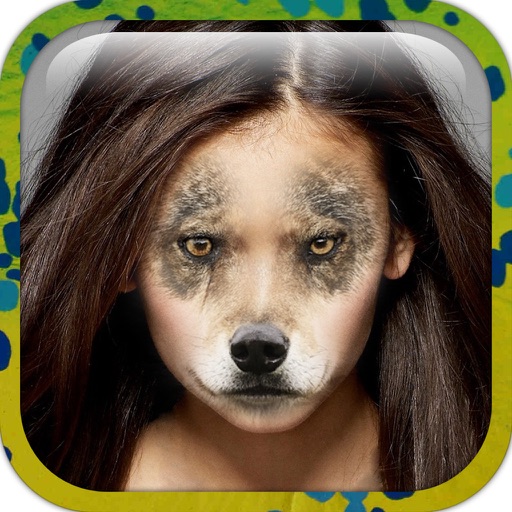
Edit photos by applying faces and filters. Choose from free templates to try on. Upload photos from albums or Facebook. Share edited images on Twitter or Facebook. Select preferred for personal use.
Post photos and videos without cropping for Instagram. Add blur backgrounds automatically. Resize, rotate, and zoom content within the square. Apply effects, filters, stickers, and text. Select no layouts. Support 1080P video. Save in high quality.
Add images from Photos, iCloud, other apps, clipboard, or URLs. Tap to view fullscreen with optional titles. Randomize images every 15 minutes to daily. Adjust positions and zoom. Swipe between images.
Create artistic images with single-tap camera effects and professionally designed filters. Adjust brightness, contrast, and tone curve. Blur and focus images. Rotate, crop, and resize photos. Add text and fun stickers.