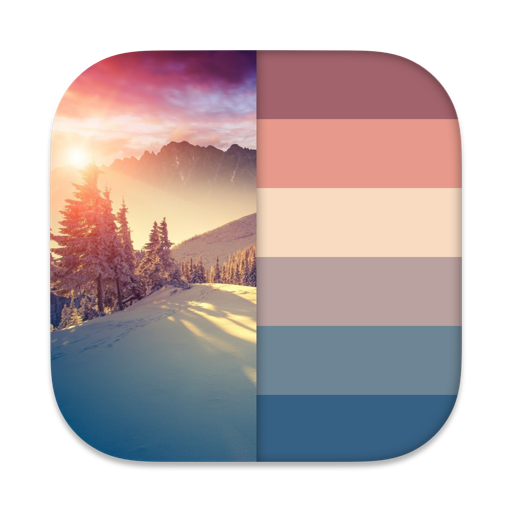
The app allows users to create and maintain color palettes from photographs, websites, or by adding colors using five color models. It supports finding matching colors and storing an unlimited number of palettes.
by Richard Maddy★ 3.623 ratingsProductivityFreeData updated 2026-09-10
Create and share organizational charts automatically
Create and manage organizational charts without manual drawing. Add and customize elements with color, shape, size, and text. Automatically arrange elements and share charts. Sync updates across devices. Export charts in multiple formats.
Monitor websites' search engine rankings for specific keywords using real Google Search results. Track Top 100 search results and view Alexa data and backlinks. Sort keywords by ranking, alphabetically, or manually.
Manage by downloading, storing, editing, creating, transferring, and organizing documents, spreadsheets, and media. Sync automatically via iCloud. Transfer using Dropbox, Google Drive, SkyDrive, FTP, Wi-Fi, and other protocols.
Turn your iPhone into a network for file sharing and backup. Access files via using a browser. Share files via HTTP or SMB protocols. Transfer data between devices over any connection. Backup and copy files to and from iPhone and other devices.
Create harmonious combinations using wheels. Explore Full (RGB) and Basic Itten's . Generate schemes based on theory principles. Adjust hues, saturation, and brightness. Save and share swatches.
Visualize exterior wall colors by taking a photo and selecting a shade. Apply the to the entire wall with a single tap. Explore a wide palette to find the match. Preview how the chosen appears on the building.
Transfer files between devices, iCloud Drive, and cloud services like Dropbox, Box, OneDrive, and Google Drive. Upload/download to FTP/SFTP/FTPS servers. Save local files to iCloud Drive. Export files in various formats.
The app offers pixel art creation with basic drawing functions and layer support. It allows for animation with onionskin tracing and file sharing in multiple formats.
Track time with customizable stopwatches. Create new timers by tapping «+», select colors, and add descriptions. Monitor stopwatches simultaneously. Log time spent on tasks or habits. Set reminders for ongoing activities.
Store, view, and manage documents on iPhone and iPad. Use built-in document viewer to open PDFs, images, and text files. Transfer files via drag and drop in iTunes. Organize and access files directly from the device.