A single for multiple age groups, grades, and skill levels. Users can customize features and settings. Access unlimited learning decks. Track progress and adjust difficulty as needed. Provide feedback via email.
by Poh Oon Ng★ 4.02 ratingsEducation$1.99Data updated 2026-09-08
Help parents support child development from ages 0-6. Track milestones, access age-appropriate activities, and learn strategies for skill-building. Provide guidance on nutrition, sleep, and communication.
Practice facts with randomly generated flashcards for Addition, Subtraction, Multiplication, and Division. Complete 40 stages per operation to build memory through repetition.
Allows users to practice addition, subtraction, multiplication, and . Select a section for targeted training. Customize question ranges and settings for personalized practice.
The app allows up to four players to cooperatively learn using a single iPad. Players answer questions, and the first to answer correctly scores a point.
The app offers a visually engaging platform for up to 50 students to practice fundamental math operations. It includes personalized settings, progress tracking with graphs, and various tools to help solve problems.
The app offers Grade 6 math and science quizzes with topic-wise practice and instant feedback. It includes progress tracking with a pie chart and an offline mode for learning anywhere.
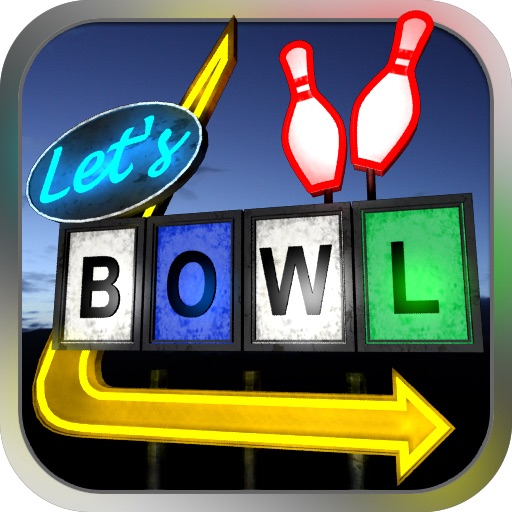
The app offers a bowling simulation with realistic 3D graphics and finely tuned physics. Intuitive controls allow users to flick the ball down the lane for a strike.
Browse all tamable Familiars with detailed stats, morph and max levels, resistances, and evolution chains. View location and trick sets. Sort by genus or form. Track which Familiars are tamed and their progress.
Solve equations and expand expressions. Find derivatives and integrals. Work with undefined variables. Identify roots, minima, and maxima. Create tables of values. Perform regression analysis. Access free learning activities.
Create and analyze mathematical graphs with precise notation display. Edit graphs with color and line style customization. Find coordinates, intersections, and key points like zeros and extrema. Perform domain analysis and use an intuitive keyboard.