The app offers a painting experience with an integrated gallery for viewing other users' works. It records the full painting process, allowing users to view playback and branch off at any point.
by Collecting Smiles AB★ 4.616 ratingsEntertainmentFreeData updated 2026-09-10
Create videos from text or images using AI technology. nimated avatars for virtual interactions. Edit and enhance photos with AI-driven artistic effects. Transform images into unique visual stories with customizable styles.
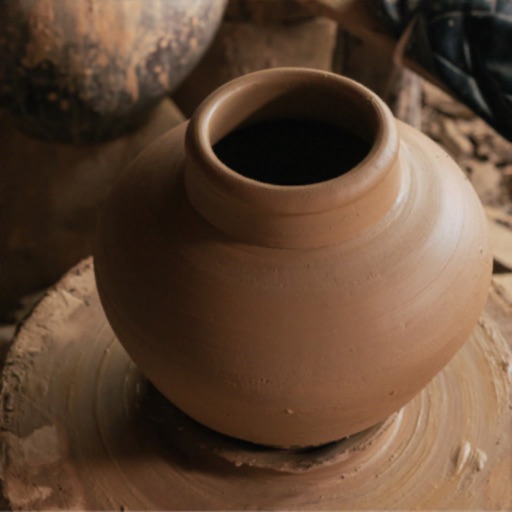
Create by dragging and molding the shape. Bake the pot to prepare for design. Add colors, patterns, and stamps to customize the artwork. Save finished creations to the device gallery.
Play puzzles with 4 modes including shuffle, swap, rotate, and regular puzzles. Use images from your gallery or download additional content. Adjust background and save completed puzzles to your gallery.
Images of grandmothers' hobbies and home life. Customize colors and patterns. Save and share completed artwork. Access a library of family-themed coloring pages. Adjust brush size and opacity for detailed work.
Create drawings with a variety of colors and brushes. Select from pre-designed templates and characters. Add animations and sound effects. Save and share artwork directly.
The app allows users to paint original artworks and light effects using particle brushes. It provides tools to mix colors and gradients, create custom brushes, and paint over existing photos.
Numbers to create artwork. Choose from a variety of colors and designs. Save or share completed colorings. Adjust intensity and select pre-designed patterns.
Children can animals using finger gestures as if with crayons or colored pencils. Features include a magic brush for automatic painting, color mixing, and creative drawing. The includes a format to teach color combination and foster creativity.
Draw and color images of and vegetables with a variety of colors. Choose from 50 different doodles. Save and load pages. Includes educational content for toddlers.
The app offers live-calculated brushes and strokes that interact with a generated canvas texture. Users can adjust parameters like color and size while painting, and stroke size changes based on fingertip contact with the screen.
Allows users to color pictures by numbers or custom designs. Users can select from various images, choose colors, and fill in sections to create artwork. Completed drawings can be saved or shared.
The app generates unique, beautiful, and hypnotic visuals from any music source using the microphone. It supports all native resolutions, including Retina displays, and offers TV Out support.
Edit by selecting from the gallery or taking a new photo. Adjust images to a square format. Add text with customizable fonts, colors, and borders. Move, rotate, and scale text. on with finger input.
And paint with a variety of tools including pens, lines, arrows, rectangles, ellipses, and text. Apply effects, adjust colors, and use filters. Crop, enhance, and add stickers to artwork.