Share photos, create clocks, interact with collages
Create interactive clock collages by combining 2 to 12 photos. Highlight and zoom individual images within the clock face. Share collages with friends through social media or messaging. Edit photos before adding them to a collage.
by Squarepond, LLC★ 5.05 ratingsSocial NetworkingFreeData updated 2026-09-06
Create collages and cards for occasions like birthdays and holidays. Choose from customizable layouts, backgrounds, and stickers. Apply filters. Add photos to designs and export for sharing. Purchase additional layouts and content packs.
Convert videos into interactive Photos for the lock screen. Combine clips from multiple videos to create custom animations. Apply filters and effects to enhance visual appeal. Save and share Photos directly from the .
Create photo collages using 20,000+ layouts and frames. Combine up to 16 photos in customizable grids or freestyle arrangements. Add text with 1,000+ font styles. Edit layouts, adjust frames, and export collages.
Create collages with customizable blur backgrounds and adjustable layouts. Apply filters like black and white, vintage, and retro to enhance images. Edit photos by resizing, cropping, or deleting elements.
Edit photos with HSL adjustments for precise color control. Resize images to fit various frame ratios or remove frames. Add blur effects to backgrounds. Create collages from multiple photos. Apply filters, crop, and adjust brightness and contrast.
Create collages with layouts, filters, and stickers
Create collages using 300+ layouts and customize shapes and aspect ratios. Apply 200+ filters, add stickers, HD backgrounds, text with stylish fonts, doodles, and quotes. Share collages directly to Instagram and other social media platforms.
Create social media content with customizable templates and themes. Edit photos and videos by removing backgrounds and adding animations. Share finished stories directly to social platforms.
Edit photos with over 900 effects including montages, frames, and caricatures. Create collages and holiday e-cards. Apply filters and adjust colors. Remove watermarks and export images without ads. Share edited photos directly.
The app combines multiple photos into one framed picture. Users can add patterns, stickers, text, borders, filters, shapes, and frames to their photos.
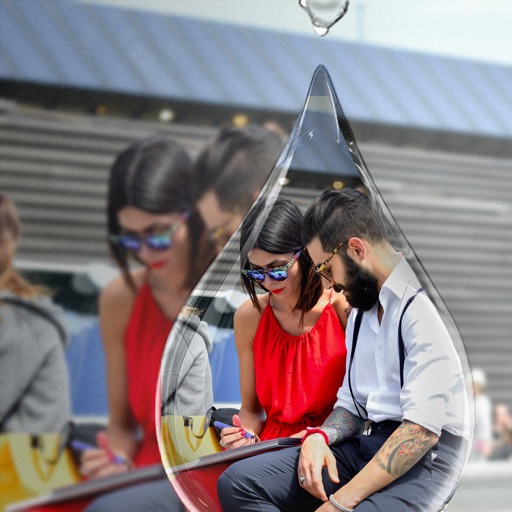
Edit photos with PIP frames, collages, and creative layouts. Add crystal bottle patterns and cartoon styles. Share edited photos directly to social media. Adjust brightness, contrast, and colors. Crop and rotate images.
Create collages by combining multiple photos into a single . Resize the , adjust rounded corners, change resolution, and modify the color. Rotate individual images within the . Premium plan offers additional features and auto-renewing subscriptions.
Create collages by combining up to 9 photos. Select from 200+ templates and customize them. Adjust borders and corners. Apply 29 filter effects. Add watermarks to protect photos. Use 3D Touch for enhanced interaction.
Create layered collages by combining images with one click. Add special effects to draw or erase . Apply filters and frames to enhance visuals. Share finished blends directly to Instagram.
Edit photos with filters, cropping, and adjustments. Add text, stickers, and layers. Create collages with 500+ grid templates supporting up to 9 images. Design stories with templates and grids. Cut out photos and add backgrounds.
Edit photos and videos for social media with adjustable crop ratios and aspect ratios. Save edited content to device and share directly. Create Instagram stories with customizable and add hashtags. Generate collages with multiple image layouts.
Create collages by combining multiple photos from the gallery. Choose from various frames and themes. Apply filters to enhance images. Share collages directly to social media platforms. Edit individual photos with cropping and adjustment tools.
Users create and share interactive collages with friends. Participate in themed Snapfies to generate fun content. Add photos to public or private collages. Collaborate with others to build shared visual stories.
Create collages from selected photos automatically. Print, email, text, and share photos directly. Support for social media platforms. Connect wirelessly to cameras and printers. No sign-up required. All features available for free.
Create collages using photos and videos with hundreds of templates. Arrange media in customizable layouts. Add text, frames, and effects. Share finished collages directly to social media.