Share photos, create clocks, interact with collages
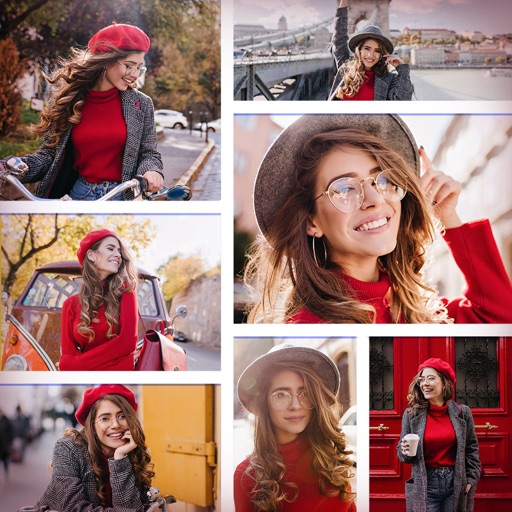
Create interactive clock collages by combining 2 to 12 photos. Highlight and zoom individual images within the clock face. Share collages with friends through social media or messaging. Edit photos before adding them to a collage.
by Squarepond, LLC★ 5.05 ratingsSocial NetworkingFreeData updated 2026-09-06
Create and style photos with single tap effects. Apply 8 filters including , Cartoon, and Dots. Share images to social media or save to photo library. Print photos directly.
Create images using AI by uploading photos of parents or celebrities. Generate realistic portraits in seconds. Save and frame images in a digital album or picture frame. Share results with friends.
Edit photos with AI cartoon filters, -to-sketch conversion, and mosaic art creation. Remove backgrounds, add drip art, and create collages. Save and share edited images directly.
The app allows users to create photo collages and interactive slideshows. Users can import pictures and arrange them using multi-touch gestures on a virtual table.
Swap faces in photos using preloaded templates. Upload images and select from various face swaps. Share edited photos on social media. Adjust filters and effects for customization. Save and export modified images in different formats.
Create photo collages, scrapbooks, greeting cards, calendars, albums, and posters. Choose from 50+ templates. Add photos, adjust layouts, and customize designs. Share finished projects with friends and family.
Select a from the gallery. Apply -themed including roses, daisies, sunflowers, and tulips. Add decorative elements to special photos of loved ones, children, or pets. Share edited images directly with family and friends.
Create greeting cards and postcards with customizable templates, decorations, stickers, emojis, and fonts. Add photos, adjust text, and export designs to share via social media or email.
Create cards by adding photos to customizable and cake designs. Edit images with cropping, filters, and text tools. Share finished cards via email or social media.
Create collages by combining multiple photos and videos. Choose from , poster, or editor modes. Adjust layouts, add effects, and stitch content together. Edit images with filters, cropping, and text overlays.
Custom stickers from photos and videos. Add text, emojis, and effects. Share stickers directly to messaging apps and social media. Edit size and position. Save and organize created stickers.
Create AI-generated photos (Soups) of you and friends in memes, outfits, places, or movies. Share privately with friends to exchange Soups. Edit existing Soups to customize appearances and scenes.
Create collages by placing photos within each other for a picture-in-picture effect. Blend images seamlessly to combine multiple photos. Edit photos with filters, cropping, and adjustments. Add text, stickers, and artistic effects.
Combine multiple photos into customizable frames or collages with 55 adjustable templates. Add rounded corners, effects, shadows, and patterns. Choose colors using an easy color picker. Save projects and share via Facebook, Email, or Twitter.
Edit photos by adding custom and text. Choose from themed layouts and seasonal designs. Share edited images directly with friends and family. Apply decorative elements to enhance photos for any occasion.
Edit photos by adding speech bubbles with 15 styles and customizable colors and fonts. Create collages with comicbook-style layouts. Share photos directly from the . Drag, rotate, and pinch elements for editing.
The app allows users to create photo images and collages from existing or new photographs. It offers various layouts, backgrounds, filters, decorations, text, and stickers for image customization.
Create collages by arranging photos, text, and stickers. Edit images with cropping, filters, and adjustments. Design carousels to share stories. Add frames, borders, and backgrounds. Export and share finished projects directly.