Photos with filters, adjustments, and effects. Apply blur, focus, and rotation. Add text, stickers, and draw on images. Crop, resize, and enhance photos. Remove blemishes and whiten smiles. Save or share edited images.
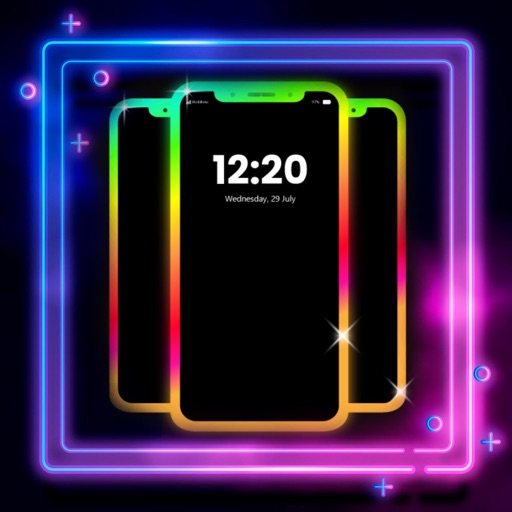
Create glowing borders around your phone's edges for both Home and Lock Screens. Customize colors, patterns, and effects. Sync with wallpapers for enhanced visual appeal.
Create -to- slideshows with cinematic transitions. Add text, stickers, and music using an intuitive timeline. Edit frames precisely. Layer music, sound effects, and voice-overs. Adjust speed per frame. Add background images.
Create pictures from any using AI to remove backgrounds. Apply effects like duotones, black and white, and gradients. Generate instant designs and matching background covers. Share directly on social media or messengers.
Expand photos to any aspect ratio without borders or cropping. Adjust images for social media or design projects. Maintain natural quality during resizing. Outpaint and uncrop photos effortlessly.
Remove photo backgrounds using intelligent erasing tools. Select and eliminate specific colors or objects. Make backgrounds transparent for use in collages or stamps. Export edited images for further editing or sharing.
Create stories for social media platforms with customizable templates. Add photos to frames, include text, and design single or collage layouts. Share stories directly within the .
Create photo collages by arranging images in a grid layout. Choose the number of photos per page and add borders. Export the collage as a PDF for printing or email. Ideal for classroom use or quick multi-image printing.
Allows guests to take photos with Photo Booth, record videos, answer quiz questions, and write or draw. Features include customizable options for photo and video capture, interactive quizzes, and guest participation without supervision.
Create digital collages using images from your photo library. Crop and remove solid backgrounds from photos. Rotate, resize, and reposition images. Adjust background size and tint. Experiment with creative arrangements for digital art.