Ambient noise levels with a simple interface. Display one-minute average decibels in large text. Features clean design and free access. No additional functions or settings provided.
Calculate coil by detecting magnet rotations using the smartphone's magnetic sensor. Attach a magnet to the rotating part for accurate measurements. Alternatively, measure smartphone rotation without a magnet. Calibrate the magnet before use.
Measure angles with a color-changing scale that adjusts based on the iPhone's tilt. Use the camera for augmented reality alignment. Set up tables, shelves, and objects straight without a physical level.
Measure objects by taking a photo with a smartphone or tablet. Capture real-time dimensions like height, width, area, and length. Share measurements via Cloud. Sync with laser device for accurate data. Export measurements in various formats.
The app allows users to measure and adjust speaker toe-in angles using an iPhone, iPad, or iPod Touch. On-screen icons and color-coded numbers guide users to match speaker angles for improved audio system performance.
Determine with precise compass readings in degrees and cardinal points. Track real-time orientation as you move. View current coordinates and altitude. Calibrate compass for accuracy.
Measure objects using screen or AR camera for precise dimensions. Switch between inches, centimeters, and millimeters. Capture and save measurements for later reference. Share results via email or messaging.
The app visualizes and measures current acceleration using 3D graphics. It offers five display modes, including absolute and relative acceleration, and rotation around the X, Y, and Z axes.
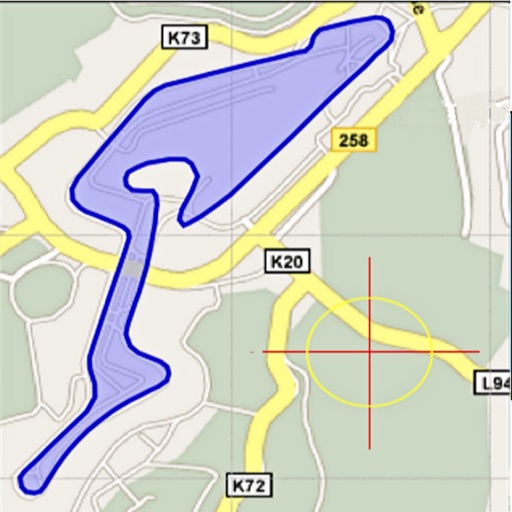
Area, lengths, and angles on maps using an interactive crosshair. Trace outlines to create connected points, updating area and perimeter in real time. Adjust radius for scaling features. View dynamic length and angle as you move the crosshair.
Calculate for electrical conduit bends with support for common and custom angles. Input distances in fractions and view real-time results in fractions without needing to press a calculate button.