Apps Like Bubble Level Tool - Digital for iPhone and iPad
Measure angles, reset, and lock orientation
Measure device angle with a . Tilt the device to see current angle. Reset and lock the angle manually. Switch between portrait, landscape, and surface modes.
by Rihab Mehboob★ 4.42,329 ratingsUtilitiesFreeData updated 2026-09-06
Measure lengths with a ruler supporting metric and imperial units. Detect ambient noise levels using a decibel meter. Use a protractor tool to measure angles via the camera. Calibrate screens for accurate color display.
Offers a standard, scientific, and fractions with over 30 scientific operations. Users can add notes to calculation history and share entries. It supports portrait and landscape modes on iPhone and iPad, and split-screen functionality.
Calculator helps users compute offsets and rolling offsets for precise layout planning. Input measurements to calculate basic or advanced rolling angles. Generate detailed reports and save calculations for future reference.
Measure angles with using a digital protractor. Capture and analyze images for calculations. Export results and share measurements directly. Sync data across devices for consistent tracking.
Measure objects using screen size, augmented reality, or printed rulers. Place virtual on surfaces with ARKit. Print rulers via AirPrint. Compare printed results with on-screen measurements. No ads, in- purchases, or tracking.
A chromatic that aligns two dots for accurate tuning. Works in landscape and portrait modes on iPhone and iPad. Includes an adjustable base frequency from 440Hz. Requires holding the mic close for silent instruments.
Measure vertical angles and tilt using a digital bubble . Calibrate the sensor for accurate readings. Share measurements via email or messaging apps. Sync data across devices using the URL scheme.
The app functions as a geological compass for geologists, measuring dip direction and angle of geological strata. It displays real-time device orientation in a stereographic projection and allows data transfer to a computer.
The app measures angles and aligns objects using the camera. It offers a distance/height estimation tool and a traceable level for various measurements.
Measure surfaces or objects for horizontal alignment. Place device on surface to check . Surface color changes to green for horizontal, grey otherwise.
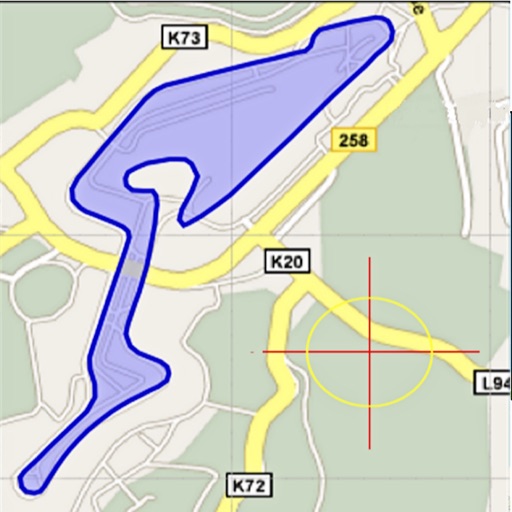
Area, lengths, and angles on maps using an interactive crosshair. Trace outlines to create connected points, updating area and perimeter in real time. Adjust radius for scaling features. View dynamic length and angle as you move the crosshair.
Navigate using real-time traffic updates and turn-by-turn directions. Access points of interest, search for locations, and view maps. Switch between portrait and landscape modes. Control audio playback and manage call functions.
Convert units across categories like length, area, and temperature. Perform simultaneous conversions and customize preferences. Copy converted values to the clipboard for quick use.