Documents using the camera or PDF import. Edit scans with crop, rotate, and brightness tools. Share files via email, cloud services, or messaging. Securely store and organize scans in a private library.
by Marcin Stepnowski★ 5.010 ratingsProductivityFreeData updated 2026-09-06
Edit PDFs and Microsoft Office documents with annotation tools. Collaborate securely by commenting, highlighting, and sharing files. Manage tasks and track progress within the . Sync documents across devices and access cloud storage.
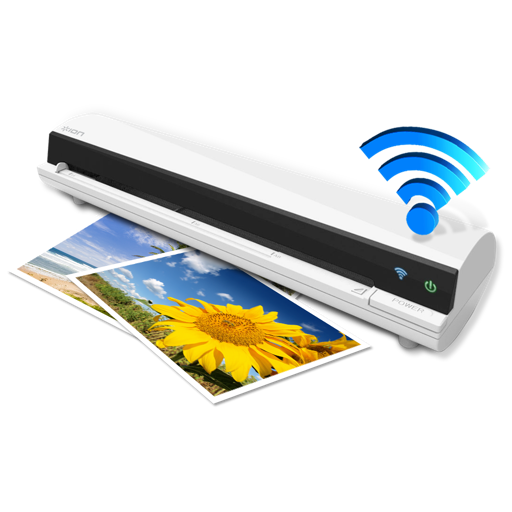
The app works with the ION Air Copy hardware, a portable Wi-Fi scanner. It scans photos, receipts, business cards, notes, and documents up to US Legal size directly to a Mac, then shares them via email or social networking.
Create, edit, and convert documents into PDFs. Scan images or pages to generate professional PDFs. Edit text, add comments, and annotate documents. Export files in various formats and share directly.
QR codes and barcodes using the camera or photo gallery. Create and edit codes for links, text, or business information. Share generated codes via messaging, email, or social media. Manage scanned data and access details instantly.
Scan and convert documents into PDF format. Edit scanned pages, add text, and annotate files. Share documents via email or cloud services. Organize and manage scanned files in a searchable database.
QR codes instantly with high accuracy. Create custom QR codes for links, text, or contacts. Save and organize generated codes. Share scanned content directly. Edit QR details and adjust appearance.
Print documents and photos directly from iPhone. Choose from over 500 supported wireless printers. Edit files with built-in tools before printing. Send print jobs to selected printers instantly. Supports PDF, Word, Excel, and camera photos.