Open encrypted PDF files securely on Apple devices. View and navigate documents with page turning and zoom. Search text within files and annotate with highlights and notes. Share files via email or cloud services.
by FileOpen Systems Inc.★ 1.02 ratingsBusinessFreeData updated 2026-09-06
Sign PDFs and paper documents directly on iPhone. Draw or save styles for quick use. Import PDFs from iCloud, Files, or Photo Gallery. Scan paper documents into professional PDFs. Crop, rotate, reorder, or delete pages.
The app converts PDFs and images into text documents or searchable PDFs using OCR technology. It supports over 60 languages for text extraction from scanned documents.
Create and manage Sharespaces as virtual hard drives to store and organize files. Copy, move, delete, rename, and categorize documents. Share files with other apps, devices, or cloud services via supported protocols.
Edit PDFs and Microsoft Office documents with commenting, redaction, and form filling. Collaborate in real-time with team members. Securely share and track document changes. Integrate with management systems for device and configuration.
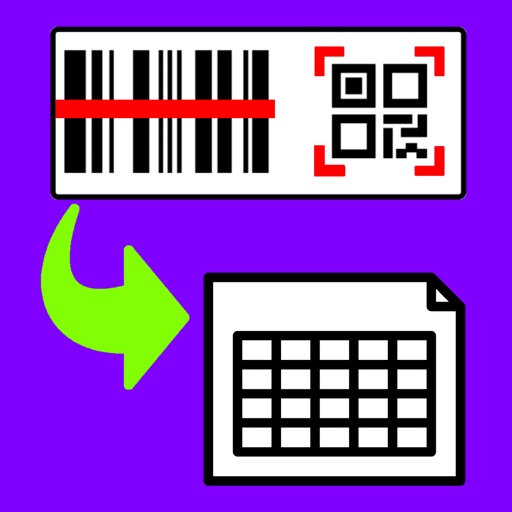
Barcodes to create spreadsheets for inventory, attendance, or event tracking. Email CSV or Excel XML files from iOS devices. Share data to Google Drive and open in Google Sheets.
Digitize documents like contracts, receipts, and notes into PDF or JPEG files. multiple items at once and combine them into a single PDF. Adjust image clarity and crop edges for better readability. Export and share scanned files directly.
Documents to create PDF or JPG files. and convert files to ZIP format. Share, print, and organize digital documents. Edit scans with automatic edge detection and image enhancement.
Secure communication with end-to-end encryption and post-quantum protection for voice, video, messaging, and file transfers. Send large files securely. Supports secure instant messaging for classified government communications.
Scan documents, photos, PDFs, and ID cards using device camera. Save, delete, and share scanned files. Scan QR codes and barcodes. Access scanned documents without needing physical scanners or printers.
The app converts PDF files to editable Word documents, preserving original content, layout, and formatting. It handles complex tables, multi-column layouts, and images, allowing users to import and convert multiple PDFs and specific pages.
Create professional and bills quickly. Send and share them as PDF. Track status and billing history. Manage estimates, vouchers, bills, and client records.
Prepare and deliver with timed notes and a portable teleprompter. Import text files from email or cloud services. Edit notes directly on iPhone or iPad. Sync with external devices for seamless delivery. Track speech timing and rehearse effectively.
Scan documents with automatic edge detection and perspective correction. Capture contracts, receipts, IDs, business cards, and whiteboards. Sign, analyze, and share documents. Use 50+ tools for editing, organizing, and converting files.
The app allows users to receive and download protected documents sent via HoGo. It provides offline viewing and organization of documents, with an option to back them up to a personal Cloud Library for sharing across devices.
Scan documents using camera or photo library. Automatically detect and enhance edges for clear PDFs. Save and share scanned files. Organize and search documents. Export in multiple formats. Protect files with password security.
Access and manage mission-critical documents securely from mobile devices. Capture photos, notes, and document images. Upload content to a secure environment. View, edit, and share files while maintaining IT governance control.
Allows users to send encrypted text and voice messages. Supports end-to-end encryption for calls and texts. Enables private chats with friends globally. Does not store personal data or message history. Offers file sharing and group features.
Lets users photos, web pages, emails, and files from cloud services. It supports Wi-Fi, Bluetooth, AirPrint, Windows Shared, and Google Cloud . Content can be copied from Mail, Safari, and Notes and pasted into the for printing.
Submit waivers and deposits securely from your device. Upload and sign documents electronically. Manage forms and track submission status. Share files via secure links. Set reminders for pending actions.