Paint on spherical surfaces with customizable brush settings. Create symmetrical designs using mirroring tools. Save and export artwork in various image formats. Adjust colors and layer transparency for detailed artwork.
by tetsuhiro nakano★ 5.01 ratingsGraphics & DesignFreeData updated 2026-09-06
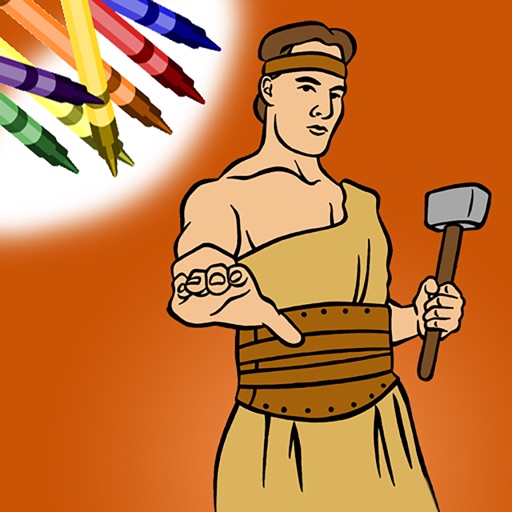
Color within lines using digital crayons. Select colors and tools to fill shapes. Save and share completed drawings. Adjust pressure sensitivity for detailed shading. Access a library of LDS-themed pages.
Create characters by lines and choosing from various colors and brushes. Use specific tools like a purple glowing brush for wings or red dots for hair. Replay the creation process to relive the experience.
Create illustrations, logos, and UI designs with precise drawing tools. Import and edit graphics. Organize projects in workspaces. Export in multiple formats. Collaborate in real-time with others. Adjust colors, shapes, and layers.
And on your Apple Watch with customizable brush sizes and blur radius settings. Access a large color palette and save or undo changes. Delete drawings as needed.
Create art by inputting prompts and selecting image sizes. Generate visuals using AI technology. Edit and refine generated images. Export artwork in various formats. Share creations directly from the .
Create 3D designs using LiDAR scanning and Smart Draw tools. Add furniture and decor from a library. View designs in augmented reality. Measure spaces and adjust layouts in real time. Export plans and share designs with others.
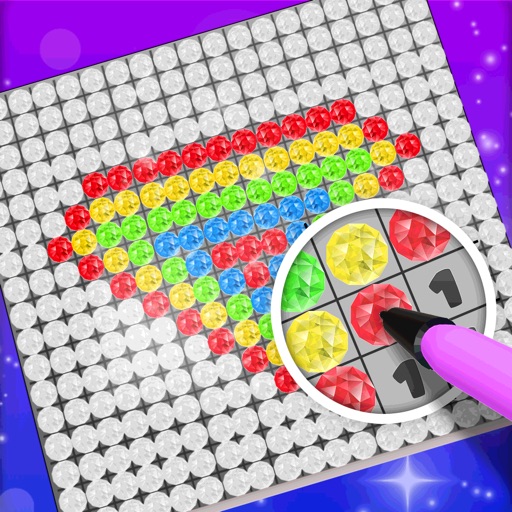
Choose a 3D model to color. Select colors and apply them to specific areas of the model. Tap to place diamonds in designated spots. Complete the artwork by filling all sections. Save or share finished creations. Adjust settings for lighting and zoom.
The app provides vector drawing tools and flipbook-style animation. Users can create frame-by-frame animations or single-frame vector artwork with various drawing tools and shape options.
The app offers various paint strokes including single, double, triple, symmetrical, and star. Users can select characters like man, woman, house, car, ship, smiley, flower, and stars to add to their creations.
Allows users to select from various categories like animals, vehicles, and foods. Users can choose colors for their drawings and erase parts of the image. Images can be sorted by category for easy access.
Create and colors on a canvas to solve puzzles. Fill squares to complete paintings. Choose colors to mix and adjust hues. Complete levels with increasing difficulty. Enjoy calming gameplay and artistic challenges.
Use camera to and in real-world environments. Apply colors and textures with touch gestures. Adjust brush size and opacity. Save and share drawings directly. Sync with design tools for further editing.
The app provides a drawing experience with colorful stamps and rainbow lines that trigger sounds. Users can save their creations, clear the canvas with trash and eraser buttons, and choose between white and black backgrounds.
Create digital art with a variety of brushes, layers, and color adjustments. Use an eraser for modifications and access reference avatars and sketches. Save and share completed artwork.
Create digital artwork from text prompts using AI. Adjust style, color, and detail settings. Export images in various formats. Share artwork directly or save to device. Collaborate in real-time with others on projects.