Paint on spherical surfaces with customizable brush settings. Create symmetrical designs using mirroring tools. Save and export artwork in various image formats. Adjust colors and layer transparency for detailed artwork.
by tetsuhiro nakano★ 5.01 ratingsGraphics & DesignFreeData updated 2026-09-06
The app allows users to paint original artworks and light effects using particle brushes. It provides tools to mix colors and gradients, create custom brushes, and paint over existing photos.
Offers themed pages including geometry, comics, food, and floral designs. Users can select color palettes to fill illustrations. Features include stress-relieving painting, saving progress, and accessing detailed artwork for creative expression.
Color within lined boundaries using various crayon sizes. Choose from illustrated drawings. Add text and stickers to artwork. Export creations in multiple formats and share directly.
Create art with layer editing tools including adding, deleting, duplicating, hiding, sorting, and grouping layers. Use blend modes and transparency settings. Access various tools like pen, eyedropper, eraser, and selection.
Create AI-generated art from text prompts and selected styles. Upload photos or sketches to enhance images. Edit generated art with tools like color correction and layer adjustments. Save and share final artwork in various formats.
Create avatars from uploaded photos using AI. Adjust facial features, expressions, and hairstyles. Export avatars in multiple formats and share directly.
Customize and home screen with animated . Set backgrounds that respond to notifications. Adjust transparency and animation speed. Share custom designs with others.
Create digital art using AI-powered drawing tools. Explore pre-designed worlds for inspiration. Adjust settings to customize your creative environment. Save and share artwork directly.
Create art with a variety of color palettes and brush tools. Choose from daily themed pages. Customize colors and patterns. Save and share completed artwork. Adjust brush size and opacity for detailed strokes.
Create artwork using brushes, futuristic backgrounds, and glowing stickers. or paint with finger swipes. Add text and notes with the text editor. Apply effects to photos and over them. Save and share edited images.
Play skateboarding races and complete challenging mini games. Create freehand tags on special spots. Avoid robots and collect extra money with kickflips. Explore levels to find hidden tag surfaces and progress through the .
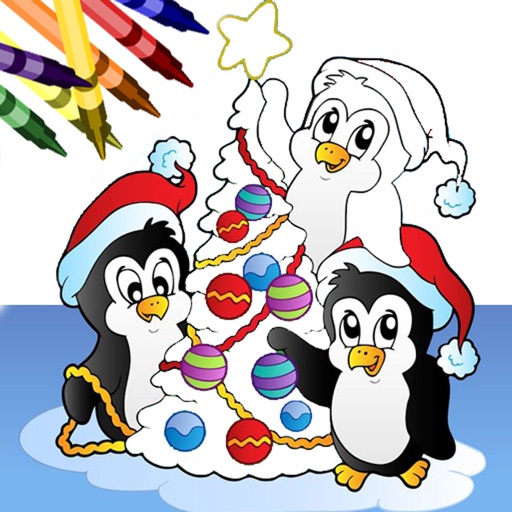
Book allows users to color pages with finger painting tools. Select from various holiday-themed images. Save and share completed artwork. Includes interactive elements and sound effects.
Use phone camera to project anime-style templates onto paper or surfaces. Trace outlines to create art. Adjust lines and colors. Export drawings in various formats. Sync with digital tools for further editing.
Create and project drawings in real time using augmented reality. Trace and sketch on surfaces with your device. Adjust colors and brush sizes. Save and share drawings. Sync with other devices for collaborative projects.
Allows children to color and draw using a variety of templates and tools. Features include adjustable brush sizes, color palettes, and undo functions. Users can save and share artwork.
Art designs with tap-and-draw controls. Use magical brushes to paint glowing effects. Create symmetrical patterns and mandalas with balanced templates. Adjust colors and motion effects for custom designs. Share creations directly.
Create music using AI by inputting prompts and selecting genres or moods. Generate melodies and harmonies. Design music covers with editing tools. Export tracks in various formats and share directly.
Generate images and videos from text input using AI. Create artwork based on descriptions. Edit generated content with basic tools. Export images in various formats. Share creations directly.
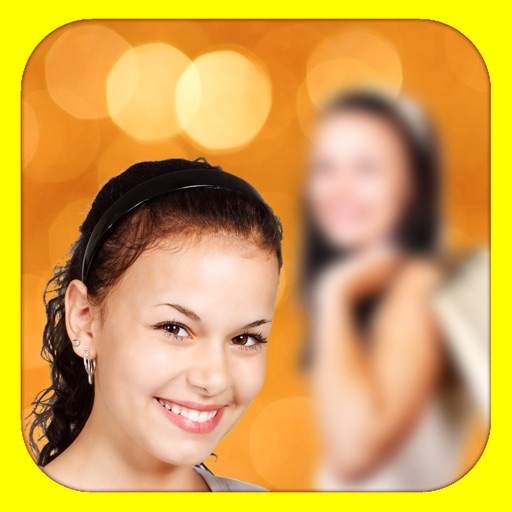
The app adds depth of field to images, creating realistic blurs with Bokeh effects. Users can adjust blur amount, paint focus areas, and share creations on social media or save them.