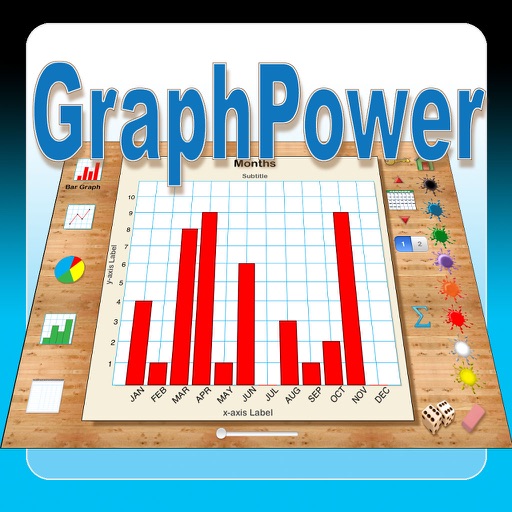
The app offers an educational tool for data analysis and graph interpretation. Students can create bar graphs, line graphs, circle graphs, and histograms on their iPads, with options for titles, labels, and scales.
The app allows users to control Arduino boards and receive information through various connection methods. It displays specialized widgets for sending and receiving data, with options for visualization and debugging.
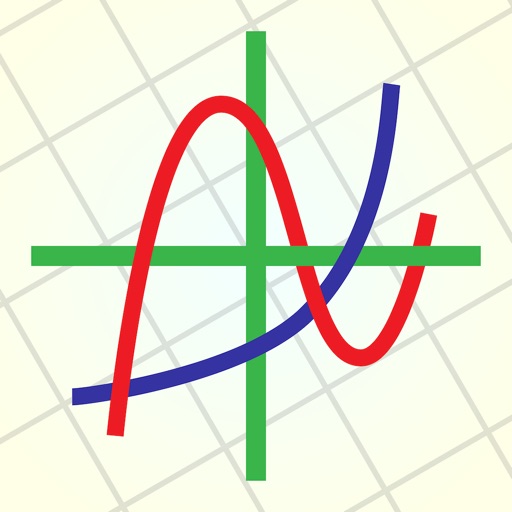
Create and analyze mathematical graphs with precise notation display. Edit graphs with color and line style customization. Find coordinates, intersections, and key points like zeros and extrema. Perform domain analysis and use an intuitive keyboard.
Track Rubik's solving times with a clean interface. View detailed statistics and graphs. Use gestures to delete last solve or generate scrambles. Supports 3x3 scrambling currently.
View class schedules, check grades, and access campus news updates. See the school year calendar and remaining class time in minutes. Receive real-time schedule changes and news notifications.
Practice mental math with customizable problem types including addition, subtraction, multiplication, fractions, and division. Set numerical ranges, session duration, and difficulty levels. Track progress and review results.
Graph equations and calculate advanced math functions
Graph functions with support for multiple equations and color differentiation. Plot up to ten functions simultaneously. Use touch gestures to zoom and trace graphs. Perform calculations using natural textbook notation and advanced math commands.
Against friends, family, or global opponents. Challenge opponents in instant games or real- matches. Invite friends to via instant game feature. Access Chess960 variant for randomized starting positions. Track game history and analyze moves.
The app plots graphs of functions based on user-entered formulas and ranges. Users can input multiple functions separated by semicolons and view them simultaneously.