Simplifies iPhone use with a home screen. Removes distracting elements like badges and bright icons. Allows customization of shortcuts and widgets. Enables focused mode to limit distractions. Tracks screen time and usage.
View daily, weekly, and monthly schedules with a minimalist design. Add events and set reminders. Access widgets on home and lock screens for quick checks. Sync across devices and receive notifications for upcoming events.
The app offers drawing tools, color options, and frame management for creating animations. Users can export animations to video or animated GIF formats and share them.
Track expenses with a simple interface. Add and categorize bills with photo support and notes. Search transactions by date or type. Set privacy with password protection. Sync bills to the cloud without using iCloud storage.
Offers a home screen with a calm, simplified layout. Users can customize their interface by adding essential apps and optional like date, time, weather, or health data.
Edit photos and videos with AI-powered face detection and moving object tracking. Anonymize videos by removing faces without uploading data. Crop, adjust colors, and apply filters. Export edited media directly to social platforms.
Create animations with drawing tools, color options, and frame management. Import images or draw directly. Export and share animations on Cineverse. View progress and refine frames for detailed editing.
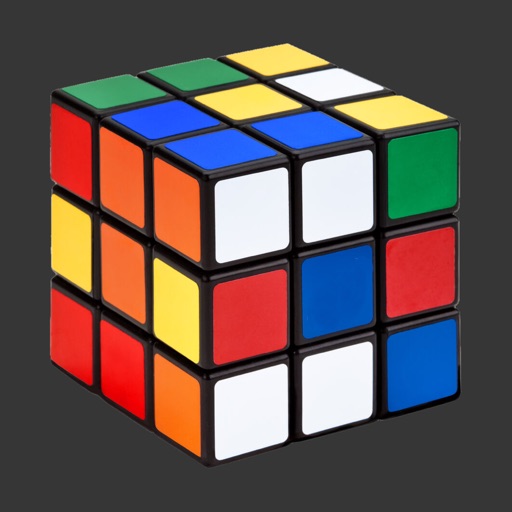
Solve Cubes of sizes 2x2 to 7x7. Rotate layers with finger swipes or tilt the phone for viewing angle changes. Use AI hints to assist with solving steps.
Create glowing art by applying effects to photos or existing images. Adjust brush size and glow intensity. Save creations to the Photo Library. Email postcards globally. Use multiple undo levels and mix colors for custom palettes.