Create and customize for iMessage conversations. Use markup tools to censor, blackout, or redact content. Resize and rotate before placing them. Share across messages and personalize with over 70 designs.
Detect AI-generated with 95% accuracy. Identify content from ChatGPT, GPT-4, Grok, and other models. Refine AI content into natural, human-like writing. Analyze to determine likelihood of AI origin. Convert detected AI into more authentic language.
Manage text with formatting and conversion tools. Edit images with cropping and filters. Convert audio and video files. View and edit documents. Diagnose network issues. Access developer tools for coding and debugging.
Edit by converting with a single click: uppercase, lowercase, title , sentence , inverse , or alternating . Clean by removing double spaces, line-breaks, or HTML code. Undo changes if needed.
Edit files including TXT, RTF, RTFD, HTML, XML, and markdown. View and modify formatting details like font, size, color, and alignment. Preview HTML and markdown in real time. Access files from device storage or cloud services.
Allows users to read and write registers from TCP Server devices using functions 1, 2, 3, 4, 5, 6, 15, and 16. Users can configure requests and display register values in decimal, unsigned, float32, hexadecimal, binary, octal, or ASCII formats.
Create personalized messages with letters, filled squares, and circles. Mix different fonts in one message. Copy to clipboard or share on social networks. Add creative styles to every word for unique designs.
Create art by selecting styles and swiping the screen. Customize canvas settings including opacity, size, and layers. Combine tools to explore creative possibilities. Save and share artwork directly.
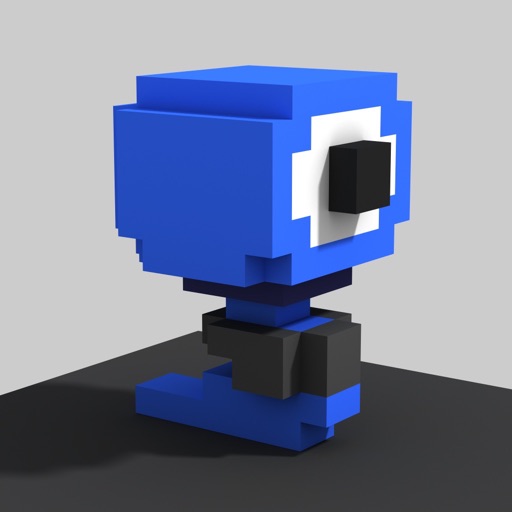
Create and edit art with intuitive controls. Use advanced tools for detailed modeling. Import and export models in formats like VOX, OBJ, and JPEG. Move, rotate, and duplicate voxels. Cut, copy, and paste parts of models.