Edit photos with drawing tools, text stickers, and customizable colors. Crop with adjustable ratios. Apply filters and effects to change visual styles. Adjust brightness, contrast, and saturation for professional results.
Turn photos into PDFs by importing from Camera, Photos, or Files. Crop, straighten, and rotate pages. Apply one-tap filters like Grayscale or Sharpen. Set page size, margins, and DPI. Estimate file size and merge or split PDFs.
The app enables users to overlay text onto images or videos. Users can customize text with various font styles, sizes, colors, and outlines, placing it anywhere within the media.
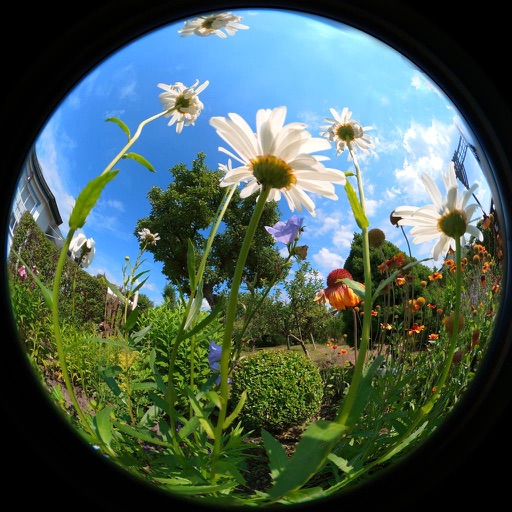
View photos and videos captured with lenses, offering wide-angle perspectives up to 230 degrees. Zoom in on images, save them for personal use, and access content requiring an internet connection.
Record videos and live streams with automatic scrolling. Paste or sync scripts to the panel and start recording. View lines in real-time while filming or streaming. Adjust text size and speed for optimal visibility.
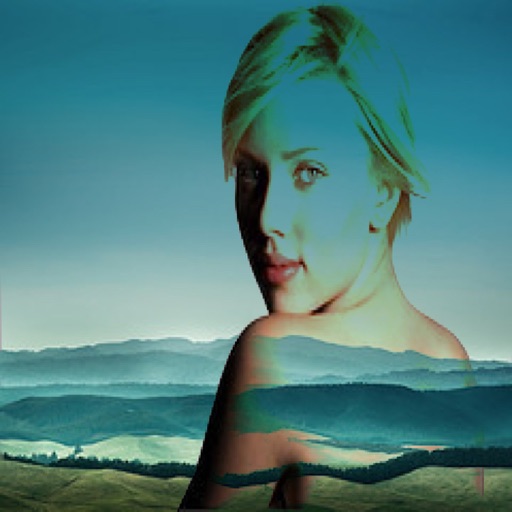
The app allows users to combine two images using various blend modes. Users can select photos from their device or the web and adjust layer transparency.
Convert PDF pages to images with options for JPEG, PNG, and formats. Set DPI, maximum width, and height for resolution. Save or share exported images via any . Analyze PDF files and export at desired or optimal resolution.