Customize lock and home screens with stunning wallpapers, widgets, and dynamic charging animations. Choose from various themes and animations. Set personalized charging effects. Apply designs to both lock and home screens.
Customize phone wallpaper and lock screen with a variety of stunning images and animations. Set dynamic charging effects and personalize desktop backgrounds. Adjust settings to match personal style and preferences.
Create cinemagraphs by animating static images with moving effects, presets, and filters. Add overlays and convert to videos or GIFs. Save and share animated photos as wallpapers or social media content.
Customize with widgets for social media counters, contact info, and launcher options. Add favorite contacts and follower counts. Learn to set and adjust settings. New widgets are added monthly.
Select and customize wallpapers with daily handpicked designs. Edit colors, add text, and adjust layout. Share wallpapers directly or save for later use.
Create collages by selecting from 1000+ layouts, grids, and templates. Add photos, adjust sizes, and apply filters. Share collages directly to social media or via email. Edit text, add stickers, and crop images within the .
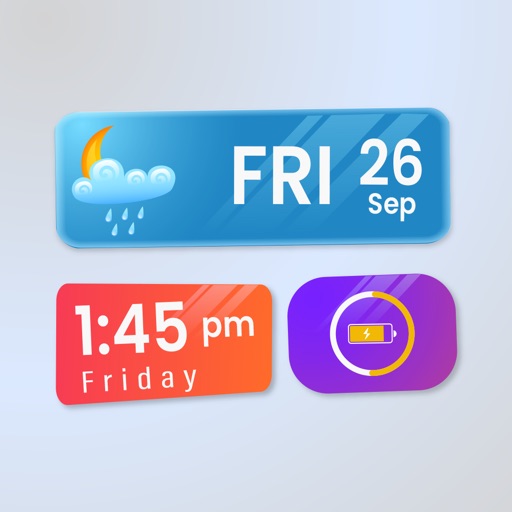
Display daily time, date, calendar, weather, steps, and more in a customizable widget. Choose from various designs and color schemes. Create custom with full control over functionality and appearance.
Wallpaper offering HD 4K -themed backgrounds. Users can set wallpapers, browse curated collections, and access updated content. Includes aesthetic and trendy designs for iPhone devices.
Transform your screen with crisp HD images and immersive live wallpapers. Choose from team mascots, fan art, and watch faces. Lock screen highlights and short clips capture game atmosphere. Stay ahead with real-time live scores and historical stats.
Widget King allows users to add dynamic to their home screen. Choose from sporty, racing car, cliff, bridge view, and aesthetic . come in three sizes. Users can customize and arrange on their iOS 14 home screen.
HD+ offers high-quality wallpapers featuring characters. Users can set these as home or lock screen backgrounds. Designs are and kawaii. New wallpapers are added regularly. The is lightweight and fast-loading.
Create interactive with two taps. Customize colors and elements to design your own. Launch iOS apps by tapping elements. Compatible with iOS 17 or later.
Convert videos into animated wallpapers. Select and apply video clips to home screen. Adjust playback speed and loop settings. Customize transparency and motion effects. Share created wallpapers with other devices.
Customize home screen with widgets, wallpapers, and stickers. Add incoming call posters. Use liquid glass widgets for flowing, glossy effects. Personalize iOS 26 device with creative options.