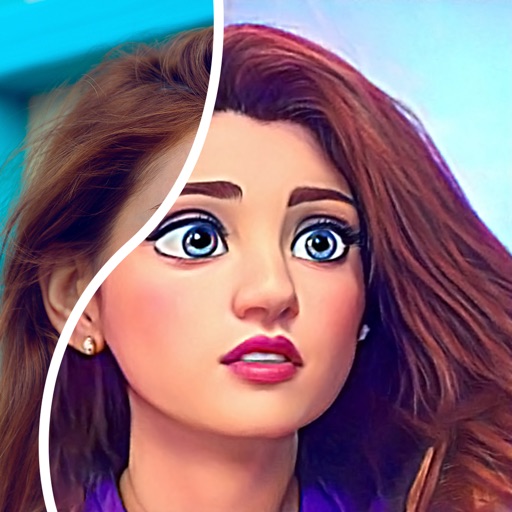
Blurify allows users to specific areas of a or the entire background. They can select from various brush types and shapes to apply . Adjust the intensity using a slider. Pre-set effects can be applied for different styles.
Create and manage configurations for iOS home screens. Add icons to lock screen with widgets. Generate custom icons from glyphs with color and gradient options. Import images as icons. Save multiple setups for quick style changes.
AI Extender allows users to images beyond original boundaries. Adjust proportions and enhance compositions. AI Image Enhancer improves clarity and sharpness. Add text overlays and apply filters. Export edited images in various formats.
Convert photos into comic styles using AI algorithms. Edit avatars with retouching tools. Access various comic templates. Apply filters and adjust images for effects. Share edited images directly.
Enlarge and share Instagram pictures with higher quality. Save larger versions for social media sharing. Integrate with Facebook for updates. Adjust image size and format for different platforms.
Photos to reduce file size without losing quality. images to fit specific dimensions for social media or web use. Organize gallery by managing photo sizes and formats.
Download and view FAA airport diagrams and facility directories offline. Access airport maps, frequencies, elevation, and helipad information. Find nearby airports and save favorites for quick access. Update charts monthly for accurate data.
Download images from the web using multiple methods and save them into folders. Preview thumbnails, create slide shows, and filter images by status, size, or numbering. Sort by size, select specific images for download, and merge folders.
Compress photos by selecting multiple images and adjusting JPEG quality and resize scale. Preview compressed results side-by-side with size estimates. Save compressed copies to Photos or delete originals. All processing occurs on-device.
Compress and decompress files in rar, zip, and 7z formats. Manage files in iCloud Drive and Dropbox. Extract text from images using image recognition. Securely store and access private files. Export photos, videos, and media files from mobile albums.
The app provides a selection of high-definition wallpapers, desktop themes, and universal widgets. Users can customize their devices with matching home and lock screens and download desktop icons.
Remove unwanted objects or people from photos and videos by painting them and tapping "erase." Edit images to eliminate pimples or blemishes. Save and share edited content directly.
Create custom widgets by combining photos with text or dates. Place widgets on home screens. Share widgets with friends via iCloud. Send photos to their screens. View and manage shared widgets in iCloud.