Take photos or select images from the gallery. Position, resize, and rotate a mask overlay on the . Apply filters and adjust the mask. Share the final image on social media or via email. Switch masks or edit the as needed.
See color values in real-time using the camera or convert photos to grayscale. Measure lightness of specific points. Apply grayscale filters for sketching. Helps with grayscale art and contour line practice.
Calculate time and shutter speed for neutral density filters. Set countdown timers for exposures 10 seconds or longer. Supports up to 24-stops of ND filter. Compatible with iPhone, iPad, and iPod touch.
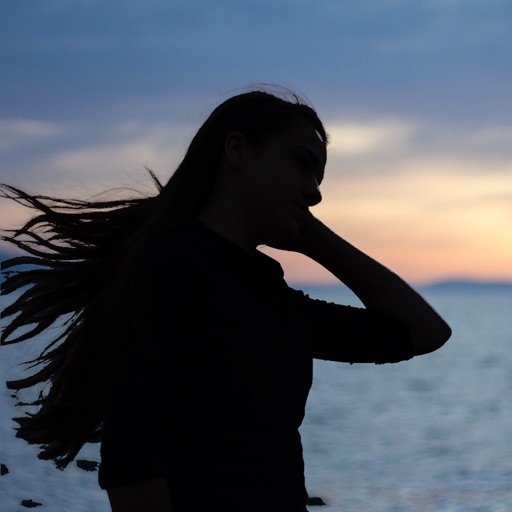
Apply AI-generated art filters to photos using style transfer technology. Adjust brightness, exposure, and temperature for fine-tuning. Save and share edited images directly.
Create artistic images with single-tap camera effects and professionally designed filters. Adjust brightness, contrast, and tone curve. Blur and focus images. Rotate, crop, and resize photos. Add text and fun stickers.