Apps Like PQ+ AI Photo Enhancer for iPhone and iPad
Enhance images to high resolution
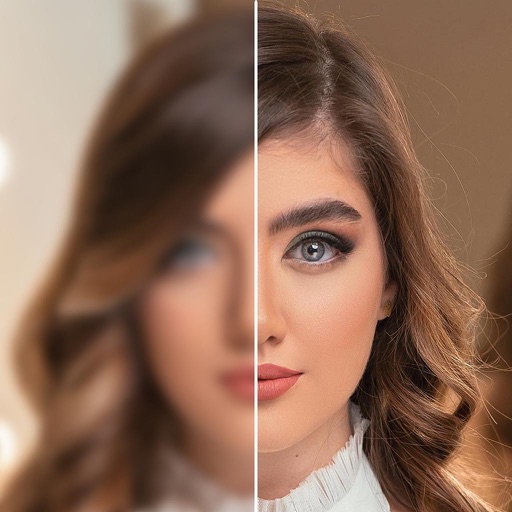
Convert low-resolution images to high-resolution format. Enhance clarity of cartoon lines and pixelated images. Improve quality of old camera photos and small-resolution images. Adjust details and export enhanced images.
by Codepaint Inc.★ 4.522 ratingsGraphics & DesignFreeData updated 2026-09-06
Convert images to over 20 formats including TIFF, GIF, JPG, PNG, PDF, and WebP. Manage media files, organize collections, and export images in preferred formats. Share converted files directly or save to device storage.
AI-powered enhancements improve image clarity and resolution. Batch processing allows multiple edits at once. Edit history tracks changes made to photos. Export options include various file formats.
Record content including games and apps with audio support. Add reactions and audio during recording. Adjust resolution, FPS, and orientation. Trim videos and share directly. Edit external videos and modify facecam size.
Convert text to audio and using AI-generated voices and visuals. Edit generated content, adjust settings, and export files for sharing. Supports text-to-speech and text-to- creation.
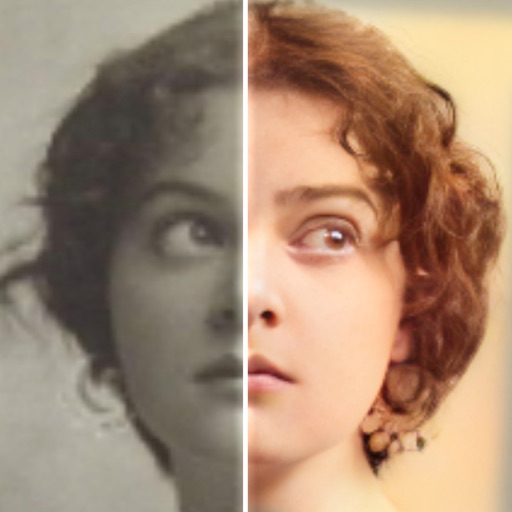
Edit photos with AI colorization, enhancement, and restoration. Remove scratches, tears, and blurs. Convert black and white images to high-definition . Adjust clarity and brightness. Share restored photos directly.
Colorize photos automatically with advanced algorithms. Enhance clarity and convert low-resolution images to high definition. Adjust colors and brightness for vivid results. Export edited photos in various formats.
Edit photos using masks and blend modes. Combine images with multi-exposure settings. Apply filters from other apps with adjustable intensity. Add or replace objects and textures. Create custom filters with overlays. Add watermarks or logos.
Take photos with a dedicated Camera. Apply adjustable filters to enhance the effect. Manipulate images using warp tools like bump, pinch, or swirl. Add emojis and text for customization. Save and view created memes in a mosaic format.
Create and customize cards with adjustable attributes and artwork. Upload designs to share or trade. Access a library of templates and elements. Edit details and artwork directly within the .
Enhance photos with AI-powered adjustments. Improve facial details and skin texture. Remove scratches and restore old images. Compare before and after edits. Save and share edited photos.
Remove backgrounds from photos using deep neural networks. Cut out people or objects and paste them into new images. Swap backgrounds and save edited images in various formats.
Create 3D plans from uploaded images. Furnish rooms using extensive furniture libraries. Generate high-resolution images for presentations. construction projects or home setups. Export and share 3D designs.
Create videos using selected images from the gallery. Add text, transitions, and background music. Share videos directly to social media platforms. Edit photos with filters and cropping tools. Export in high resolution for playback.
Download and customize for mobile devices. Select from a variety of high-resolution images and combine with to create personalized . Set chosen as device background.
Create collages by combining multiple photos into a single . Resize the , adjust rounded corners, change resolution, and modify the color. Rotate individual images within the . Premium plan offers additional features and auto-renewing subscriptions.
Enhance by removing blurriness and improving clarity. Restore old or faded images to reveal vivid colors and details. Increase resolution for sharper, clearer results. Apply color enhancement and detail sharpening.
Elevate resolution with advanced tools. Enhance image quality using precision algorithms. Retouch portraits to refine details. Restore old photos to improve clarity and color. Adjust brightness, contrast, and sharpness.
Edit photos with color filters, adjustment tools, and customization options. Apply creative color grading. Export edited images in various formats. Share photos using the #digitalfilmapp hashtag.
Photos to reduce file size without quality loss. Resize images for social media, email, or web. Crop photos to adjust framing. Save and share optimized images directly.