

Apps Like Hyper Cursor for iPhone and iPad
Hyper Cursor screenshots
Ranked alternatives
Showing 21–40 of 1,000 ranked alternatives.


Big Button Calculator Pro
Cider Software LLC
Calculate with color and precision
Calculate with a dual-line display showing input and result simultaneously. Use percentage and backspace functions. Choose from 18 color themes. Enter multi-line equations. Automatically format scientific expressions. Access via Split View.

Rapid & Quick Calculator
Tasuku Maeda
Calculate, edit, and track equations
Calculate sales tax and discounts with percentage-based operations. View equations and reuse previous results via the history tape. Adjust rounding settings and switch between multiple color themes.


RealVNC Viewer: Remote Desktop
RealVNC Limited
Access desktops instantly
Access computers' desktops and control mouse and keyboard actions. View live screens, navigate files, and run applications remotely. Connect via account credentials and tap to establish a session.


miTypewriter for iPad
Teruaki Onoda
Realistic typewriter experience on iPad.
The app provides a realistic typewriter experience on the user's iPad. It offers features such as email by image or text, a backspace key, multiple fonts, keyboard layouts, and ink ribbon colors.

Textastic Code Editor
Alexander Blach
Edit , connect to servers, run commands
Allows editing and text with syntax highlighting for over 80 languages. Connect to SFTP, FTP, WebDAV, or Dropbox. Use built-in SSH terminal for server access. Save and export files directly.

Eyeballs at Menu Bar
尋樹 加藤
Track mouse movement in real time
Track mouse movements with animated that follow the cursor. Adjust sensitivity settings and customize eye appearance. Run as a standalone window or minimize to system tray.


Cursor Pro
App ahead GmbH
Track and inspect screen pixels
Helps locate the mouse pointer with a drawn shape for better visibility. It includes a magnifier for precise pixel inspection, activated by a single key press. Users can track movement and enhance screen presentations with focused content visibility.


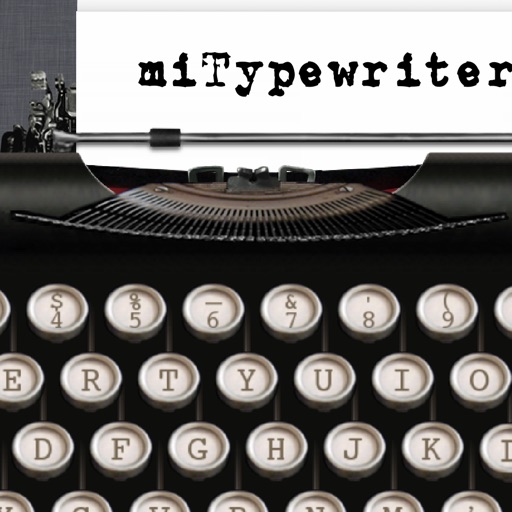
miTypewriter
Teruaki Onoda
Realistic typewriter interface on iPhone.
The app presents a typewriter interface on an iPhone or iPod Touch. Users can manage documents, email content as text or images, and utilize features like a backspace key and external keyboard support.


Resolutioner
Sun Apps, LLC
Calculate resolution, edit ratios, save settings
Calculate resolutions and aspect ratios by inputting one dimension and a ratio. Adjust ratios with a tap. Save calculated resolutions for future reference. Scale resolutions while maintaining aspect ratio.
How we rank alternatives
Apps are ranked by functional similarity, category fit, rating confidence, and popularity.