Allows users to view their reflection using the front camera. They can freeze the image for closer inspection, pinch to zoom in on details, flip the image to see themselves as others do. Users can save photos taken through the .
Capture photos with adjustable brightness and zoom via slider. Choose resolutions including max device, Full-HD, HD, VGA, and CIF. Toggle between resolution options for different needs.
Remote camera control allows users to take photos and videos from a distance. Adjust focus, zoom, and flash settings. Set timer for 3 or 5 seconds. Switch between front and rear cameras. View captured media instantly.
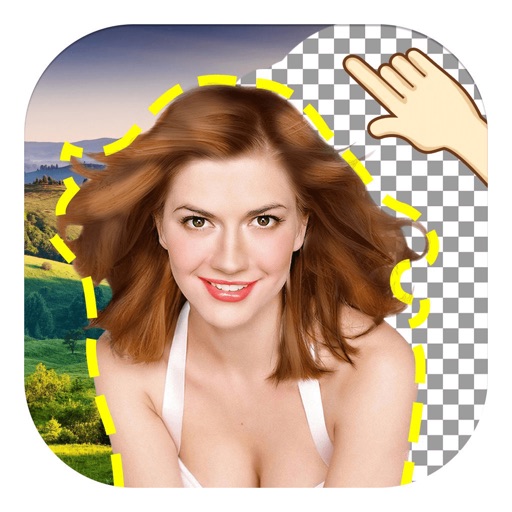
The app allows users to remove and edit backgrounds of pictures. It offers smart and manual cutout tools, with options to move, zoom, rotate, and crop images.
Allows users to or unblur specific areas of a . Apply Gaussian, Zoom, or Motion effects. Use Mosaic effects like Pixel, Crystalize, Dots, or Glass. Zoom and rotate for detailed editing.
Create geometric art by rotating, spinning, and zooming the . Capture and save images or record video loops. Share creations directly or save to device.
Turn your iPhone or iPad into a kaleidoscope camera. Capture images with dynamic, shifting patterns. Adjust color and brightness settings. Share photos directly from the .
Edit images by cutting out unwanted areas with the lasso tool. Use the magnifier and eraser for precise adjustments. Revert changes and undo errors. Zoom, rotate, and move the foreground. Search Flickr for backgrounds or upload your own.