Create frames by combining multiple photos into cells or frames. Adjust frames, add rounded corners, apply photo effects, and add shadows. Choose from 100 frames and customize colors. Share collages to Instagram, Facebook, Email, and Twitter.
Record short clips and layer them to create datamosh effects. Adjust frame repetition settings for random or ordered playback. Save outputs as images or videos. Fade back to live camera input during data moshing.
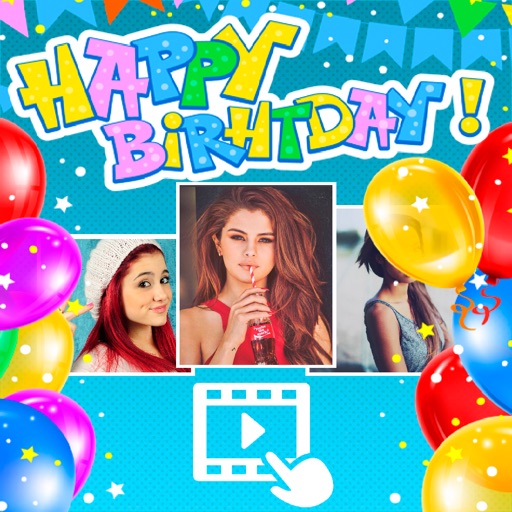
Create greeting cards by adding photos to frames. Select images from the gallery or take new photos. Choose from various frames and adjust photos with zoom and rotation. Share cards with friends and family.
GIFs by combining static or converting video clips. Edit and mix existing GIFs. Preview Library. Customize colors, frames, and timing. Export and share finished GIFs.
Convert videos and pictures into panoramic 180° or 360° formats for VR viewing. Enable automatic background removal and playback in mixed reality. Adjust view frame size and spacing. Control with Bluetooth handles, mice, or buttonless triggers.
Create and share short videos as animated GIFs or MP4. Capture frames with the or import photos, videos, or live photos. Apply real-time color filters, add text or frames, and record stop motion.
Create by adding photos or to customizable frames. Adjust images with zoom, rotation, and movement. Choose background music or mute the video. Share finished with friends and family.