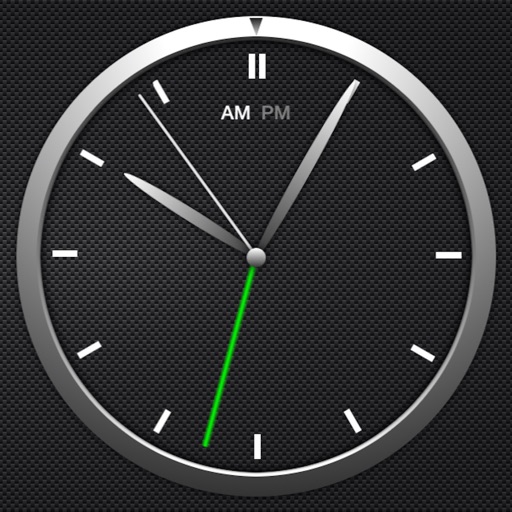
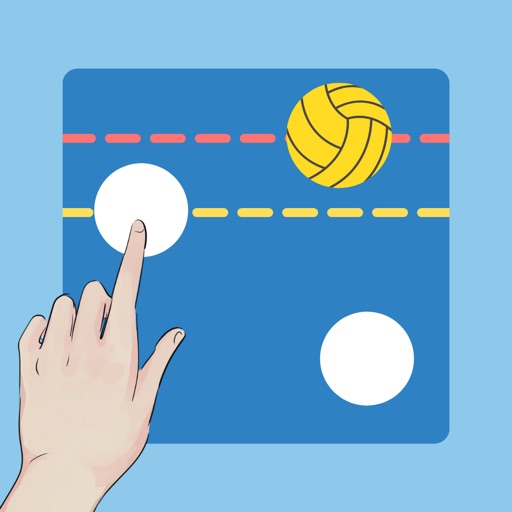
A for basketball, water polo, and billiards. Start and stop the timer by tapping the display. Switch between timers by swiping left or right. Adjust time by swiping up or down. Customize background, text, and button colors.
by NAOYA ONO★ 5.02 ratingsSportsFreeData updated 2026-09-06
Play a basketball game by tapping the screen to shoot balls through a hoop. Avoid missing shots to keep playing. Use the "Save me" feature to continue after a missed . Track progress with infinite gameplay and bouncy graphics.
The app displays the date and clock in world languages. It includes an alarm, timer, stopwatch, event list, battery status, and simple tools like a compass and calculator.
Manage collections by swiping left to or right to keep. Browse photos by month, recent shots, random selections, or newly added items. Organize storage space through simple gesture-based sorting.
The app offers a simple and intuitive interface for setting alarms by moving the alarm hand. Users can choose from 8 built-in alarm sounds or play music from their library, with alarms functioning even when the app is in the background.
Hasen displays time with large LCD and analog dials for seconds, 10 seconds, and minutes. Users can record laps and view current lap time with a second timer. Multiple themes are available.
Track time with a retro face. Set alarms and timers. Adjust for 12-hour or 24-hour format. Customize watch faces with vintage designs. Sync with smart devices for notifications.
Track game scores, time, and player stats in real time. View live updates, customize displays, and switch between teams. Control the remotely via the BT Controller . Sync with leagues and manage multiple games simultaneously.
Create and customize a by adding or removing players and setting detailed player information. Adjust line thickness and color for drawings. Save and share screenshots. Slide the menu horizontally for access to settings.
View two different albums side by side or compare photos directly. Swipe left/right to navigate, pinch to zoom, and double-tap to enter full-screen mode. Create combined side-by-side images and access detailed EXIF data.