Scan documents using iPhone or iPad camera to create clean PDFs. Add signatures and export files. Share via email, print, or save to cloud. Organize and manage scanned documents in one .
Scan documents and receipts with camera-based scanning. Correct perspective and crop automatically. Save as PDF or photo. Share scanned files directly. Edit text and annotate images. Organize and store scans in folders.
Convert documents to PDF by scanning with the iPhone camera. Automatically detect and crop document edges. Save as PDF or image formats. Share scans directly via email or messaging.
MULTITECH SYSTEMS BILGI ISLEM SANAYI VE TICARET LIMITED SIRKETI
Scan, save, and share documents
Scan documents and save them as PDF, JPG, or TXT files. Share scans directly from the . Use e-signature to add a signature to documents. Employ OCR to extract text from scanned images. Store all files locally without an internet connection.
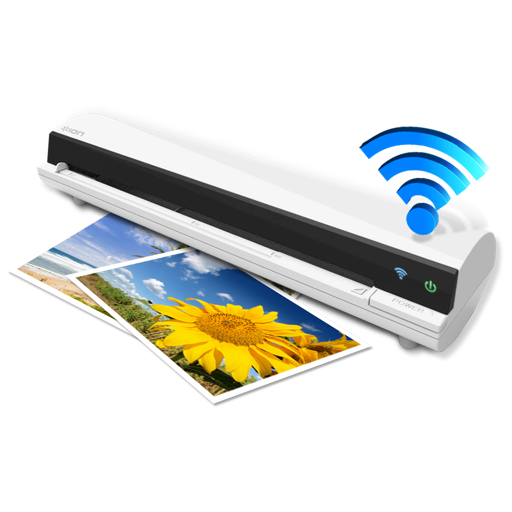
The app works with the ION Air Copy hardware, a portable Wi-Fi scanner. It scans photos, receipts, business cards, notes, and documents up to US Legal size directly to a Mac, then shares them via email or social networking.
Convert images and documents to PDF using camera or gallery. Scan receipts, contracts, and notes with high precision. Create multi-page PDFs and edit scanned files. Share or save PDFs directly from the .