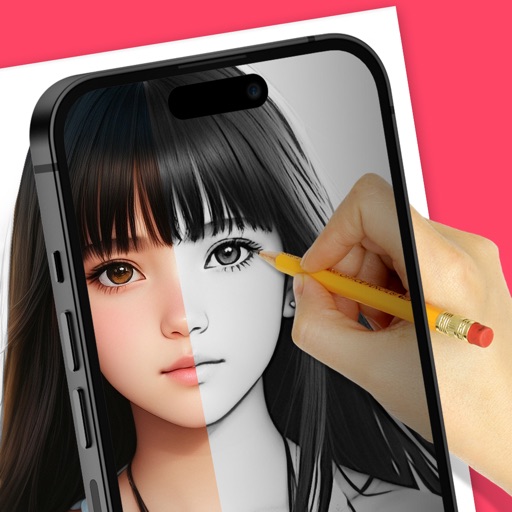
Trace images to create sketches or drawings. Adjust line thickness and brush styles. Use an eraser tool. Apply filters to images. Select from gallery or take new photos. Draw on paper with phone held 1 foot above.
Create drawings with Apple Pencil support. Use grid or lined backgrounds. over existing images. Save square images. Add widgets to showcase drawings on the home screen. Enable multitasking and multi-window features on iPadOS.
Translate human speech into cat and dog sounds to communicate with pets. Record and play pet vocalizations for different emotions. Download and set HD pet wallpapers as desktop backgrounds.
Stay updated on military news, defense issues, and veteran affairs. Read articles, watch videos, and engage with community discussions. Follow topics like global conflicts, military history, and veteran-created content.
Create images, drawings, and paintings with customizable brush settings including thickness, color, transparency, and dynamic intensity. Sketch and modify simple graphics for logos, clothing, hairstyles, and more.
Learn to sketch figures and garments with step-by-step guidance. Create and manage layers for detailed illustrations. Use AI tools to generate clothing and accessories in specific styles. Add body types including models, women, men, and plus size.
Access AI-generated images using advanced models. Upload prompts to create artwork. Manage credits for image generation. Subscribe for additional credits and features. Collaborate with other users in a hosting community.
Play music with a 3D kit and AR kit for immersive practice. Use Beat Pad to control keyboard and pads on one screen. Access hundreds of loops across genres and eight studio-quality sets. Download additional sound banks and use MIDI functionality.
Solve puzzles by identifying missing objects in pictures and them in the correct location. Each level presents a scenario requiring creative problem-solving.
Use augmented reality to trace photos or line drawings. Adjust brush settings for precision. Annotate and refine sketches digitally. Export final artwork in various formats. Share drawings via social media or email.
Create and edit drawings with brush, blur, eraser, fill, pen, pixels, procedural, select, smudge, text, and vector tools. Work with hundreds of layers. Participate in daily drawing challenges, competitions, and collaborative co-ops.
Create with a library of exclusive soundpacks across genres like hip-hop, EDM, and Drum & Bass. Apply effects such as filter, flanger, and reverb. Access author-led lessons to develop production skills.
Draw and paint using glowing colors. Use photos as backgrounds or create from scratch. Save artwork to camera roll. Share via email, message, Facebook, or Twitter. Access multiple undo levels. Learn color theory through interactive features.