Edit photos and videos with customizable stickers and masks. Adjust to enhance facial features. Record videos by holding the screen. Share edited content with friends. Save and store creations for later.
by Marko Mutavdzic★ 5.04 ratingsPhoto & VideoFreeData updated 2026-09-06
Edit photos to adjust proportions including waist, thighs, arms, and legs. Modify height and resize buttocks. Use auto face detection for facial enhancements. Share edited images directly.
Create and customize cartoon with a wide range of hairstyles, skin tones, and accessories. Choose outfit colors and styles. Add accessories and decorate the character. Save and share the final design.
Edit photos with reshape tools to adjust proportions and add muscle definition. Enhance facial features with retouch options. Apply filters and effects. Save and share edited images directly.
Take photos or choose existing images. Adjust and crop the photo. Add holiday-themed objects like hats, trees, and glasses. Apply Christmas-themed effects and frames. Share the edited photo on Facebook, Twitter, or via email.
Apply face filters that distort, stretch, and reshape faces in real time. Add stickers, voice effects, and interactive games. Use masks and customize filters with instant adjustments. Share edited content directly.
Edit videos by importing any length footage and selecting a layout or stencil. Add text or stickers. Cut video into 15-second fragments or custom lengths. Save clips to Camera Roll in chronological order. Share edited videos on Instagram Stories.
Create Minecraft skins by selecting clothing items and customizing features like hair, face, eyes, and mouth. Add drawings for extra details. Export skins for Minecraft PE and PC.
Create videos with AI tools. Add automatic subtitles from audio or . Convert text to speech with one tap. Apply unique AI voices to audio. Get song recommendations. Remove backgrounds around people and faces.
Edit photos with Retouch AI for face and skin enhancements. Apply selective adjustments to objects and masks. Use overlays and global settings for lighting, color, and effects. Export and share edited images directly.
Select from your gallery to create boomerang-style . Adjust playback speed and direction. Set repetition count. Add text, stickers, and images. Convert to boomerang, GIF, or Live Photo formats.
Edit videos using AI Auto Edit tools. Convert images to with AI Image-to- features. Apply AI Art filters for Vivid Anime and Fairy Classic styles. Use templates like Sunflare and AI Kissing for creative effects.
Photos and videos using AI to expand images, remove objects, and replace or blur backgrounds. Enhance image quality, restore old photos, and create AI-generated scenes. Share edited content directly to Instagram.
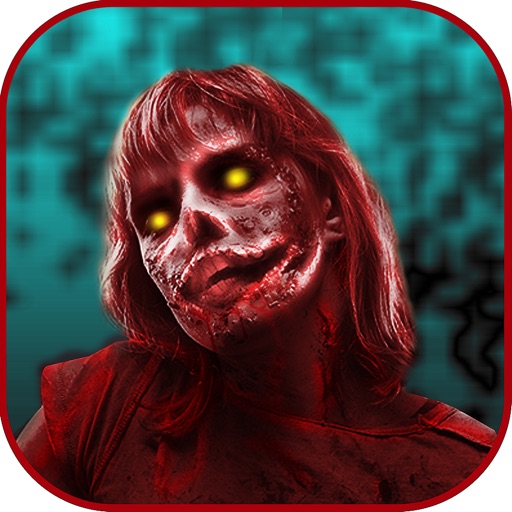
Apply -themed stickers to photos using face swap technology. Choose from 100+ zombie designs and other spooky masks. Add effects to create scary or funny faces. Share edited images directly.
Add , reindeer, sleighs, and Christmas trees to photos. Apply high-quality filter masks. Share edited images on social media or via email. Edit and customize holiday photos with multiple overlays.
Apply masks to photos by selecting from over 50 options. Adjust mask position and size. Crop or scale the photo freely. Save and share the edited image.
Manage acne care routines by popping pimples and applying face masks. Remove ticks and worms from the body. Unlock new procedures as progress is made. Track cleanliness and hygiene improvements over time.