The app supports creating labels, envelopes, and cards with database integration. Users can add text, graphics, images, and barcodes, with options for visual effects and printing controls.
Edit photos with seasonal and holiday themes. Apply nature-inspired filters and effects. Add text and stickers to images. Save and share edited photos directly.
Learn basic alphabets and practice letterforms with guided techniques. Create custom names using brush and pen tools. Add decorative symbols and design greeting cards. Export and share finished artwork.
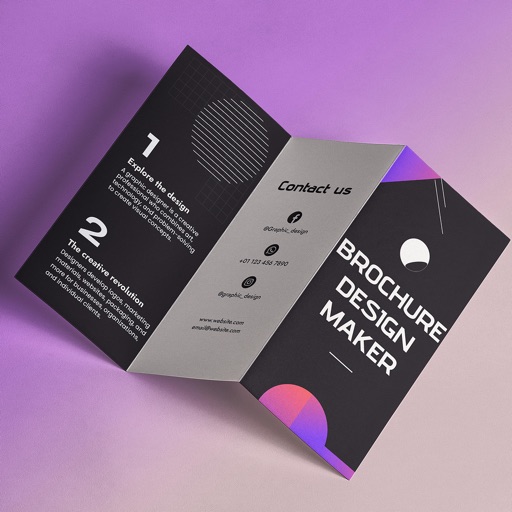
Create brochures by selecting from 2500+ templates across industries like business, travel, and education. Edit layouts, add text, images, and graphics. Export as PDF or print directly. Save and share designs.
Create vector artwork on iPad with precise drawing tools. Align objects to grids, paths, or points. Scale and rotate multiple objects in real time. Use masks to cut out elements from artwork or photos. Position text at any angle or along paths.
Create and affirmations by adding text to customizable backgrounds. Design motivational posters or add text to photos. Choose from various fonts, colors, and layouts. Share finished designs directly to social media or save for later.
Edit photos with filters, cropping, and brightness adjustments. Create collages using customizable templates. Add stickers, text, and drawings. Design storybooks with pages and layouts. Share edited content directly to social media.
Customize profile pictures for Instagram, LinkedIn, WhatsApp, Facebook, and other social networks. Add images, select color and width, adjust inset, and add custom badges. Export edited images for use across platforms.