
iPhone Screenshots


Description
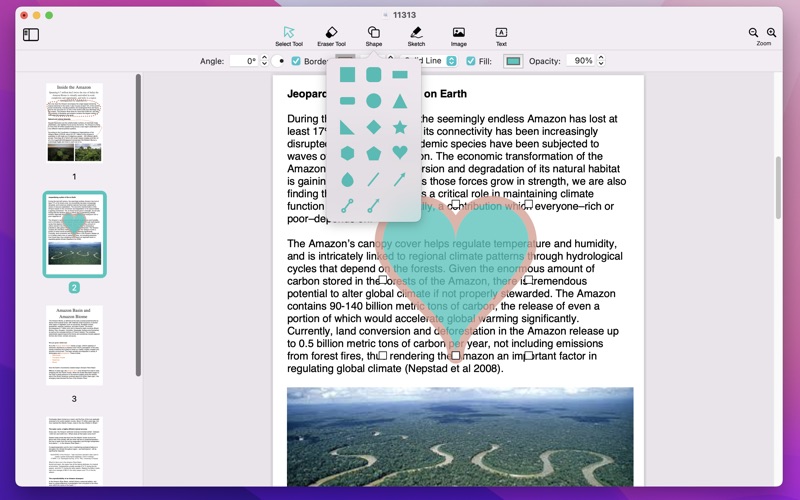
PDF Corrector is a simple and practical pdf modification tool. You can add text, pictures, shapes to the pdf, and you can also use the eraser tool to erase unwanted content.
- Basic Steps -
1. Open a pdf file.
2. Eraser tool.
Click the “Eraser Tool” button to enter the eraser mode, and use the shortcut key (Esc) to exit the eraser mode.
3. Add text, set font style, text color, add border, etc.
4. Add shapes, set fill colors, border styles, etc.
5. Add pictures, change size, position, etc.
6. Delete element (Keyboard shortcuts - “Delete”)
7. Export current page as jpg (Menu Item -> File - Export the current page as jpg...)
8. Change the hierarchy of elements, Right click -> Send to back, Bring to front, etc.
9. Convert texts and shapes to annotations. Right click -> Convert to annotation
10.Sketch tool- Draw lines
- Page Management / Page Operations -
1. Delete Pages
2. Insert new blank pages
3. Add Page Numbers
4. Combine pages from another PDF
You can add pictures only after upgrading to the professional version. (In-app purchase item)