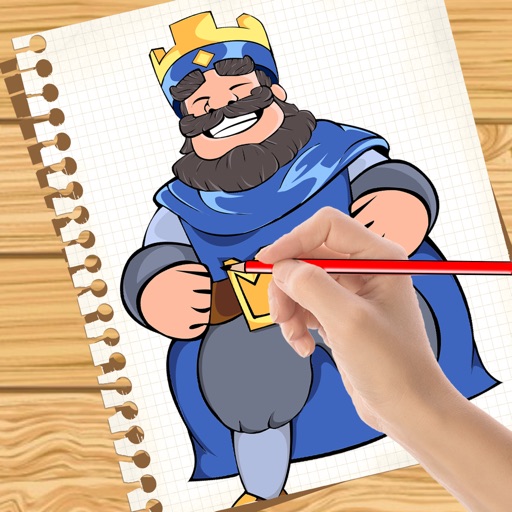
Create handwritten notes on iPad or iPhone. Import and annotate PDFs. Draw ink with finger, resize, recolor, and move doodles. Add text with customizable fonts, color, and alignment. Include shapes like arrows, polygons, and diagrams.
Create and import e-signatures using AI-generated styles or hand-drawn inputs. documents instantly with secure digital signing. Save and reuse signatures across multiple files. Share signed documents via email or cloud storage.
Edit photos by blurring or pixelating faces with AI-powered detection. Black out license plates or other sensitive details. Save and share edited images directly.
Create images by blending parent photos using AI. Generate multiple portraits and compare similarity scores. Save favorite images and share with family. Data is kept private and secure.
Add , emojis, or pixelation to hide faces in photos. Automatically detect faces and apply chosen effects. Choose from fun stickers or privacy-focused filters. Edit and save modified images directly.
Use text prompts to generate artwork. Choose an art style and let the AI a painting. Edit and refine the generated image. Share the final artwork directly.
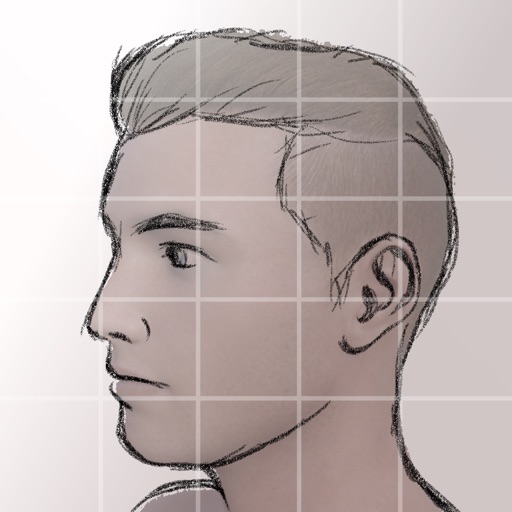
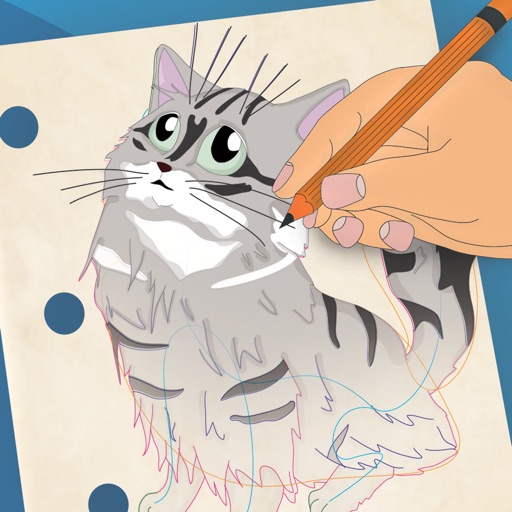
Create and share sketches with realistic brush strokes and modeling effects. Study forms, shapes, and architecture. Save drawings to photo library or social media platforms like Twitter, Facebook, and Sina Weibo.
Edit and navigate handwritten documents with vector drawing tools. Organize files using Apple's document browser. Sync with iCloud and other cloud services. Save in open SVG format for compatibility with other vector graphics software.
Solve crosswords with varying difficulty levels. Navigate puzzles easily. Track progress and revisit past puzzles. Improve vocabulary and concentration through gameplay. Share completed puzzles via social media.
Play single notes and chords on a standard diatonic . Adjust loudness and control breath/draw intensity. No ads in free version. Supports iPhone, iPod touch, and iPad. Includes song playback feature.
Create and customize for cross and pixel art. Set grid size up to 1,000 x 1,000. Choose display formats including symbol, fill, and . Use rulers and context menus to copy, move, flip, or clear elements. Duplicate pages and select starting positions.