Connect to a dash camera via WiFi to access recorded photos and videos. Edit content with trimming and filters. Share files directly or save to device storage for later use.
by JINGWAH INFORMATION TECHNOLOGY CO.,LTD.★ 5.027 ratingsPhoto & VideoFreeData updated 2026-09-06
Create collages by arranging photos, text, and stickers. Edit images with cropping, filters, and adjustments. Design carousels to share stories. Add frames, borders, and backgrounds. Export and share finished projects directly.
Monitor driving data including track, altitude, and speed. Connect dash cam via Wi-Fi for real-time video preview. Take photos, record videos, and download content for playback.
Record with high-fidelity quality. Edit files with flexible trimming and cutting tools. Clip specific segments. spoken words to text using intelligent voice recognition. Transcribe recorded or locally stored files into text.
Record and content with built-in recording controls. Edit photos and videos with trimming, cropping, and filters. Add text and stickers to media. Share recorded content directly or save to device.
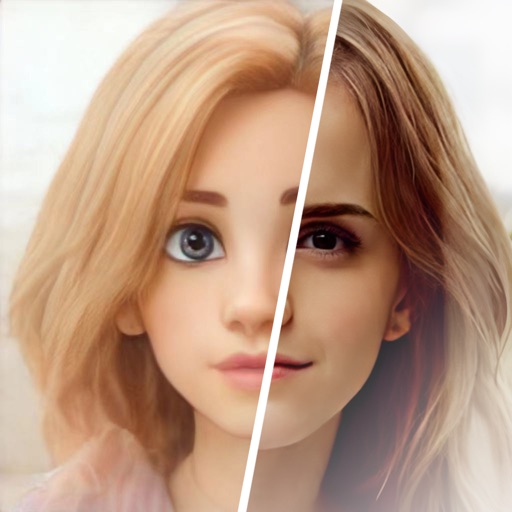
Edit photos with , oil painting, art, dream, sketch, magic, anime, and comic filters. Apply effects to selfies or images. Save and share edited photos directly.
Edit videos by trimming, adjusting playback speed, reversing playback, and changing volume. Add transitions between clips. Import videos via the round icon button. Watch tutorial videos automatically if no content is loaded.
Create and share real-time content with certified Agents for in-person or remote Missions. Book Agents to capture moments, edit videos, and produce content. Manage content creation schedules and review finished projects directly within the .
Documents and convert them to PDF using your phone's camera. Edit PDFs by modifying text, images, and layouts. Use OCR to recognize and extract text from scanned documents. Share and manage PDF files directly from the .
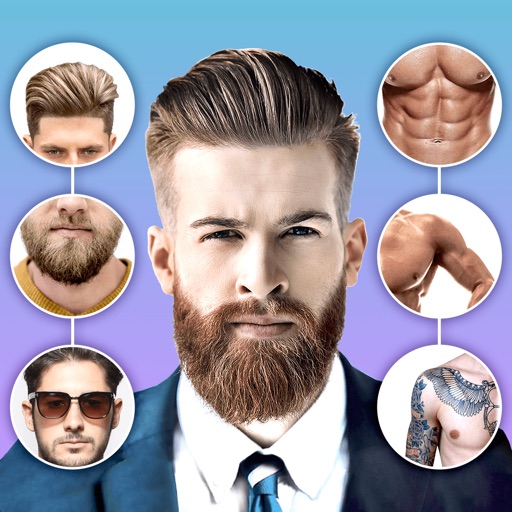
Edit photos with body shape modification tools and hairstyle customization options. Adjust skin tone and facial features. Add filters and effects. Export edited images in various formats and share directly.
Edit photos using filters to mimic the look of film taken in . Adjust brightness, contrast, and color balance. Add borders and vintage effects. Share edited photos directly to social media.
Control a four-axis aircraft using WiFi. View real-time video feed from the drone's camera. Capture photos and record videos on the device. Use voice commands for remote operation.
Convert documents and images into PDF format by taking photos. Edit scanned pages, add handwritten signatures, and share files via email. Save and organize digital documents for easy access.
Record activity while using any or game. Add face-cam reactions and edit videos with trimming and effects. Share directly to YouTube, Instagram, TikTok, or other platforms.
Apply ultrasound-style filters to photos and videos
Apply filters to photos and videos to create ultrasound-like visual effects. Adjust filter intensity and choose from multiple scan patterns. Save and share edited content directly.
Edit photos with high-quality and adjust settings for optimal resolution. Select images from the library or capture new ones. Apply stylish themes and save edited photos directly to the device.
Read, annotate, sign, and convert PDFs. View and fill PDF forms. Share files via email or cloud. Sync with Google Drive, Dropbox, and OneDrive. Edit text and images within PDFs. Combine multiple PDF documents. Create and save PDF files directly.
Use an iOS device as a camera in software. Control shutter speed, ISO, focus, and white balance. Capture JPG or DNG images directly from the device. Connect via USB and DF for tethered shooting.
Scan documents, receipts, business cards, and notes into PNG or PDF formats. Save scans to device storage or cloud services. Share files via email or messaging apps. No subscriptions or ads.
View live and recorded video from compatible DVRs. Search for specific footage. remotely using SMS port. Control DVR settings and receive alerts. Share clips via email or messaging.