Display clock widgets on home screen with transparent backgrounds. Choose from round, scallop, or clover shapes. Automatically adjust theme colors based on wallpaper. Customize properties such as size and position.
by 一玮 王★ 5.02 ratingsUtilities$0.79Data updated 2026-09-06
A bill splitter calculator with minimalist design and single-screen interface. Adjust , tips, and payers with one touch. Automatically rounds amounts and displays percentage changes. Offers dark mode for reduced eye strain.
Protect your online privacy with anonymous browsing and strong encryption. Access high-speed connections for smooth streaming and gaming. Monitor data usage and connect with a single tap. Navigate a user-friendly interface for easy management.
Display internet and data usage in Notification Center and Lock Screen. View daily usage statistics and billing cycle status through widgets. See live internet and historical usage graphs.
Create widgets with adjustable fonts, colors, and background images. Design and place widgets on the home screen. Modify appearance to personalize the phone interface. Share feedback or report issues via email.
The app allows users to change a monochromatic background into any image. It offers tools to manually remove backgrounds without a green screen and includes features like auto-enhance, drawing, stickers, text, and various photo effects.
Set backgrounds on with HD quality. Access latest emojis and symbols. Store words under alphabets for quick access. Use 3D Touch to insert stored text.
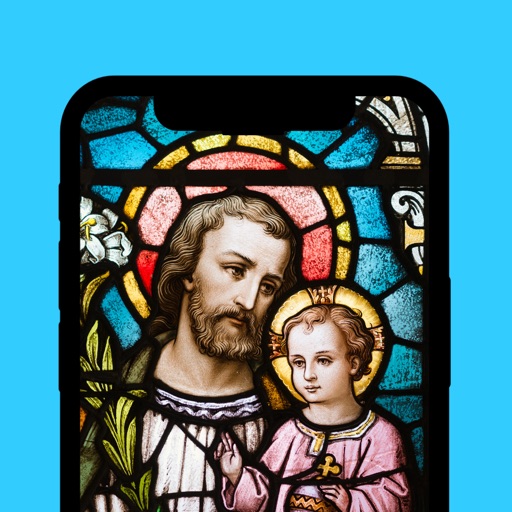
Set phone with 4K static images, live animations, and video backgrounds. Choose from curated collections. Enable live lock screen support. Customize watch faces with minimal design.
Set alarms with customizable for the icon, , and interface. Choose multiple tones and preset volumes. Lock alarms to prevent silencing. Add personalized music to sounds. Adjust for the and interface.
Focus on the clock with full-screen digital display, countdown, and timer functions. Customize UI themes and choose from white noise sounds. Include special firecrackers and fireworks animations for New Year’s Day.
Set phone wallpaper and lock screen with artwork. Browse curated collection of traditional masterpieces. Customize screens with selected images. Share favorite artwork via social media.
Turns any screen into a customizable clock interface. Displays time, date, and weather. Supports multiple time zones. Allows full-screen mode and widget customization. Runs continuously in the background. Syncs with device settings and notifications.
Create custom bordered wallpapers from your photos
Create custom bordered wallpapers by importing photos from your library or selecting included images. Adjust border color, style, and opacity. Export wallpapers to your photo library and apply them to home or lock screens.
Create reminders and set chime times with a two-step process. Choose daily, weekly, monthly, yearly, or custom intervals for repetition. Customize actions and organize tasks with simple scheduling options.
Count down to custom dates representations. Set and track event reminders. Import calendar events. Customise home screen widgets. Support dark mode and universal iPad. Sync across devices via iCloud. Available on Apple Watch.
Lets users set reminders for upcoming events. Create countdowns with customizable colors and add images. Track time until events like birthdays or holidays. Share countdowns with others. Adjust settings to receive alerts.
A clock widget allows customization of background, font, and text color. Includes stopwatch and timer functions. Supports dark mode and is ad-free with no charges. Requires iOS 14 or later for widgets.