Chat with AI models to get task-specific answers. Capture, organize, and access for idea management. Save and open Quicklinks for instant access to frequently used content.
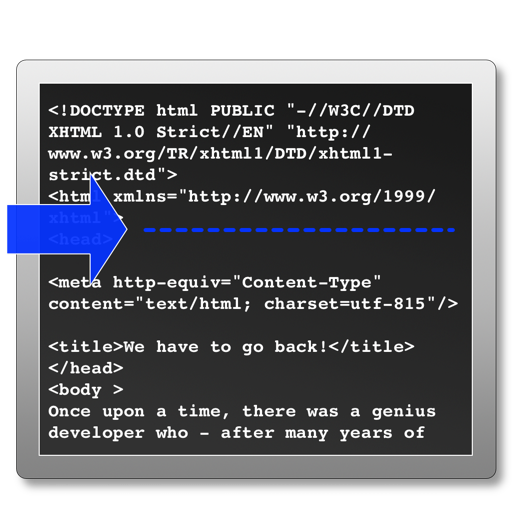
The app processes selected HTML files to add analytics tracking code before the head tag. It skips files that already contain tracking code and can create backup files before modifying originals.
Allows users to manage clipboard history and predefined text snippets. Quickly insert saved text or clipboard content via . Includes a built-in calculator for input fields. Runs offline with no third-party components.
Calculate hashes for any string using MD2, MD4, MD5, SHA1, SHA224, SHA256, SHA384, SHA512, Whirlpool, CRC32, or Adler32. Copy results to clipboard or email them. Encode or decode data with Base32 or Base64.
The app provides syntax highlighting for over 80 languages and supports numerous file types. It offers features like code completion, find in files, and Emmet support, with iCloud sync available.
Edit and transform using over 45 actions like formatting, case changes, and replacements. Create and save custom workflows for repetitive tasks. Apply transformations in sequence to automate . Share or export edited directly.
The app supports SFTP, FTPS, and private keys. It allows users to upload and view image files, edit text files with features like color coding and search/replace, and play audio/video files.
Take notes using with syntax highlighting and code snippet support. Embed photos, images, and mathematical formulas. Sync notes across iOS and macOS devices via iCloud. Send formatted emails and share notes with others.
Collect and edit text across Mac, iPhone, iPad, and Apple Watch. Organize notes with color-coded dots. Switch between dark and light mode. Minimize interface clutter with simple formatting tools. Sync text across devices seamlessly.
Edit and run JavaScript projects with code completion for HTML, JavaScript, and CSS. Access files locally, search across projects with filters, and use code snippets.