Apps Like Circle 1 - A Perfect Circle for iPhone and iPad
Draw and refine shapes
Draw shapes by touching the screen and moving your finger. Adjust color and size settings. Save and share completed drawings. Receive feedback on accuracy and precision.
by Jan Brelje★ 4.297 ratingsGamesFreeData updated 2026-09-06
Draw and customize in different mythical settings. Interact with legendary creatures and use magic effects in real-time. Complete quests and unlock new scenarios through progression.
Add annotations to photos and screenshots using shapes, arrows, and text. Pinpoint locations, circle faces, or hide messages. Resize and rotate stickers by pinching. Place stickers directly in conversations or images.
The app allows users to create geometric shapes and explore their properties. It includes tools for drawing, annotation, and transformations, with automatic metric calculations and snapping features.
Coloring pixel lets users select pre-made objects and color them using provided colors. Users can zoom in to better view the area. They can choose between easy and advanced images with varying color complexity.
The app allows designers to draw freehand while maintaining a measurable drawing scale. It provides tools for drawing layers, an adjustable grid system, and the ability to load base images to draw on top of.
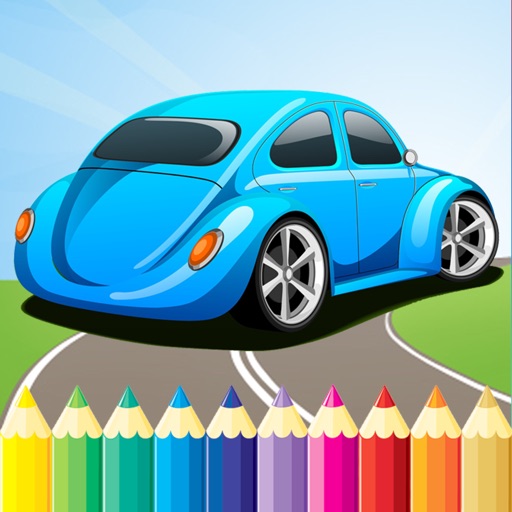
Color cars with a variety of hues and patterns. Select and apply colors to different car parts. Save and share completed drawings. Play with family to encourage creativity and bonding.
The app helps children learn animal names through drawing. Users can draw various animals by starting with simple lines, eliminating the need for coloring books and pencils.
The app allows for real-time collaboration, recording, and sharing of ideas. Users can draw, insert images and text, record notes, and annotate PDF documents.
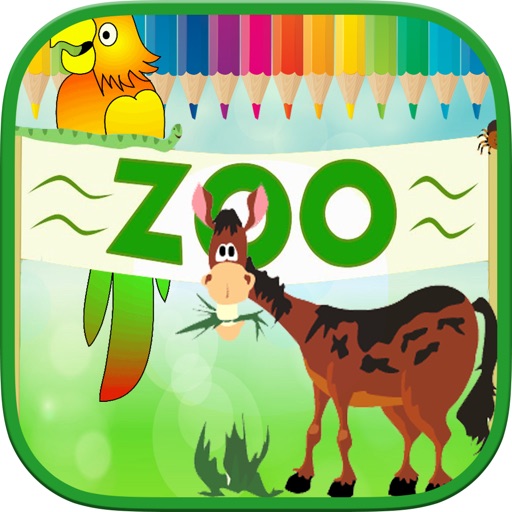
Can select animal-themed pages to paint or draw. They can choose from various like dogs, birds, elephants, and more. The allows free creative expression through drawing and painting features.
The app calculates distances between locations and areas of places. Users can draw paths or lines on the map, switch between measurement modes, and save drawings.