
Annotate for iMessage
Highlight areas with stickers
Intelligenti Ltd
iPhone Screenshots
Description
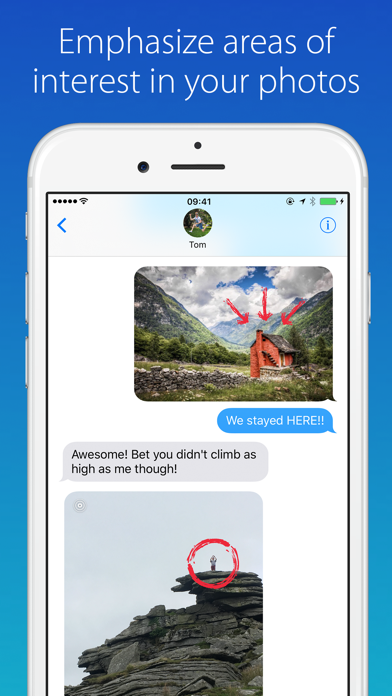
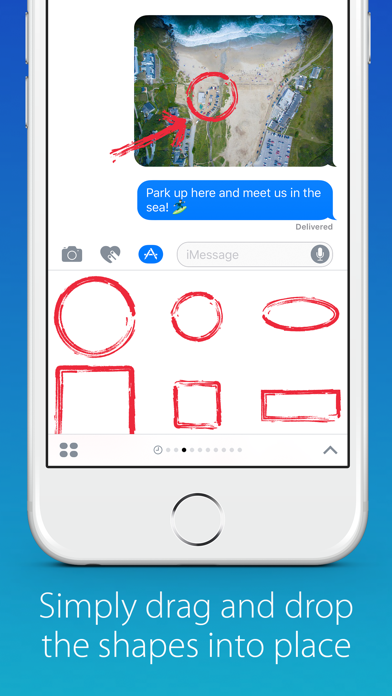
Add annotations to photos and screenshots using shapes, arrows, and text. Pinpoint locations, circle faces, or hide messages. Resize and rotate stickers by pinching. Place stickers directly in conversations or images.
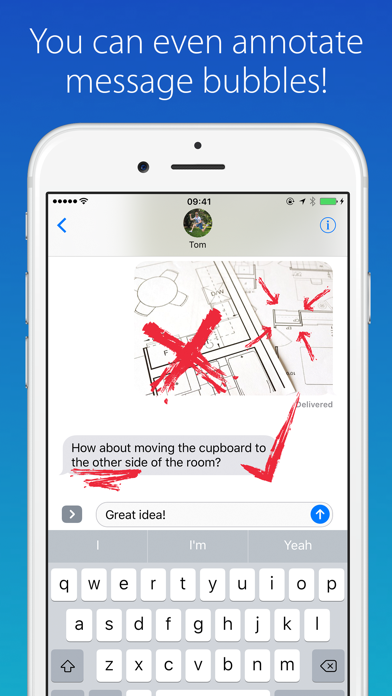
Annotate is a super useful pack of shapes, arrows, and more to help draw attention to specific parts of a picture. These stickers make it easy to pinpoint a good meeting point on a landscape shot or circle your face in a crowded photo. You can even use it to scribble out your friend’s messages if you’re feeling cruel!
It’s easy to use: press and hold to grab a sticker, pinch to resize or rotate, and place it straight into the conversation! You can use these stickers to annotate photos, screenshots or even message bubbles. Get creative!