Use 68 pre-designed stickers to add visual expressions to messages. Choose from a variety of themes and styles. Tap to send stickers directly to contacts. Customize sticker size and position before sending.
by Elena Chiorsac★ 4.67 ratingsStickers$0.99Data updated 2026-09-06
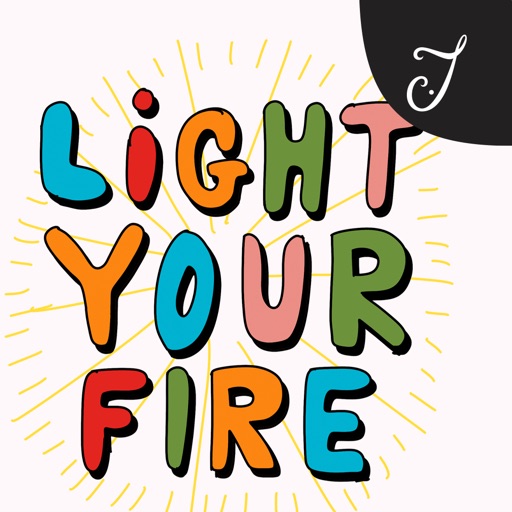
Send messages with brush-lettered and hand-drawn stickers. Tap to add to message threads. Drag and drop onto speech bubbles, photos, or other stickers. Scale and rotate stickers with a second finger before placing them.
Use animated stickers to express emotions and messages. Add text overlays to customize stickers. Share stickers directly in chats and social media. Includes a mix of animated and static sticker options.
Send featuring expressive fox characters to share emotions like love, sadness, curiosity, anger, and happiness. Choose from a variety of sticker options and send them directly to contacts.
Send text as images or stickers. Choose from various font styles, adjust text color and size. Use giant emojis or create custom stickers. Reuse stickers in conversations. Share formatted text with others.
Send animated stickers featuring Chinese New themes like dragons, money, and celebrations. Customize messages with festive emojis. Share stickers via messaging apps or social media.
Stickers allows users to send and receive 240 unique high-quality stickers in iMessage. Includes 76 free stickers. Users can purchase to access all stickers. Stickers include expressive and cute designs for personal and social messaging.
Create and customize stickers with text, images, and animations. Share stickers across platforms. Add stickers to messages and social media posts. Edit sticker size and color. Save and organize sticker collections.
Create and customize stickers with color and cat themes. Share stickers via messages and social media. Save and organize sticker packs in personal collections.
Use stickers to add humor and fun to messages. Choose from 48 dancing and joking dog stickers. Send stickers to friends and loved ones for entertainment. Share laughter through playful interactions.
Send stickers directly in iMessage without needing an extra . Choose from a variety of expressive designs to share emotions, greetings, or fun moments. Tap to send and enhance conversations with personalized visuals.
Send via iMessage by opening a conversation, tapping the ">" button, and selecting the sticker pack. Choose or drag into messages. Share directly from the iMessage drawer.
Add to iMessage conversations. Choose from various animated sticker options. Send during conversations. Customize sticker appearance with rotation and position settings.
Send and receive featuring in images. Choose from a variety of themed designs for conversations. Add to messages in supported apps. Customize sticker packs and share with contacts.
Add playful ghostly to messages. Choose from a variety of expressions for laughs, spooky vibes, or friendly greetings. Share in chats or conversations. Sync across devices. Customize sticker packs.
Add to iMessage conversations. Customize sticker sets with animated characters. Share in group chats and conversations. Adjust sticker size and position within messages.
Stickers allows users to access 33 hand-drawn stickers. Features include adding stickers to messages, sharing via social media, and customizing sticker placement.
Send stickers to enhance messages with fun, colorful designs. Add stickers to conversation bubbles, images, or other stickers. Include and encouraging themes for personal or social interactions.