Create and edit digital artwork with layers, brushes, and custom tools. Adjust colors, brightness, and contrast. Import photos and sketches. Save and export in various formats. Apply filters and effects. Collaborate with others through cloud sharing.
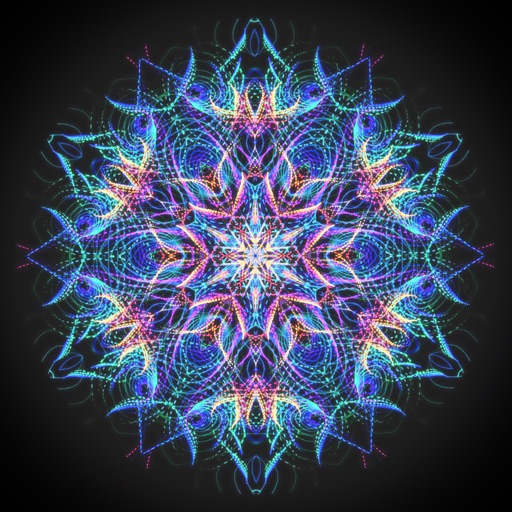
Create animated swirling patterns and kaleidoscope artworks. Select from various brush styles and color palettes. Adjust speed and symmetry settings. Save and share generated artwork. Relax through interactive, meditative visuals.
The app allows users to create finger paintings with adjustable opacity and brush sizes. Users can mix custom colors, utilize a palette of 10 colors, and an eraser.
Turn photos into drawings, cartoons, or sketches with one click. Apply various effects including black strokes, white strokes, pastel, and halftone. Adjust edge strength, opacity, contrast, brightness, and saturation.
Children can create drawings using a variety of brushes, including fluorescent and graffiti styles. They can paint freely with colorful tools. The provides a creative environment for learning to draw and explore artistic expression.
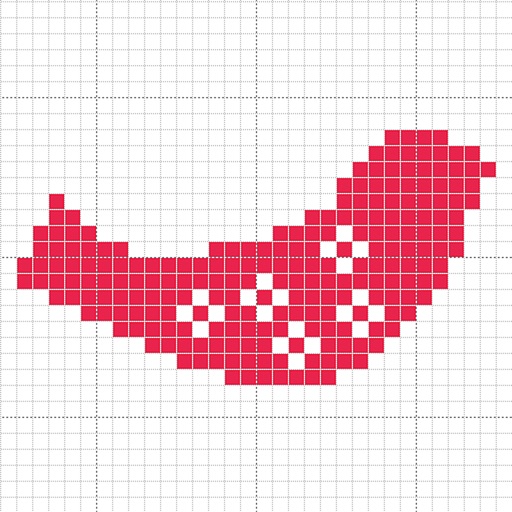
Create custom charts for crafts like cross stitch, bead weaving, knitting, and pixel art. Draw dotted images and design patterns with an intuitive touch interface. Export charts for use in projects.
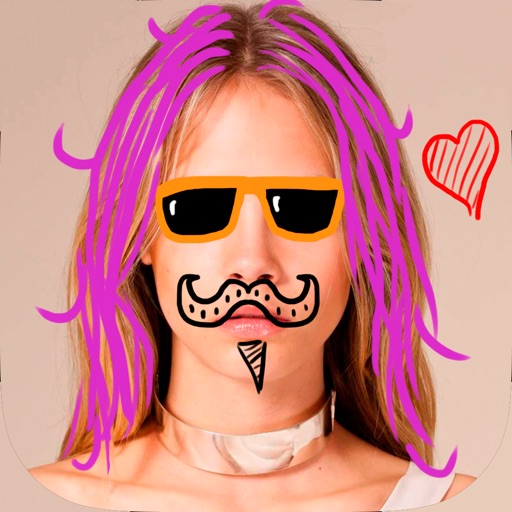
Create digital art or doodles on photos with advanced painting tools like 3D-Shaded , Halo , Plasma Chain , and Translucent . Use Lighten and Darken tools to add depth. Adjust stroke size based on finger pressure. Export artwork in various formats.
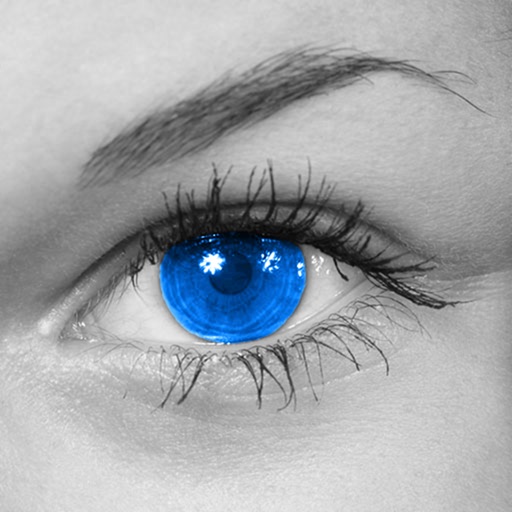
The app converts photos to grayscale while allowing users to selectively recolor areas. Users can paint, zoom, and erase to create color splash images.
And paint with a variety of tools including pens, lines, arrows, rectangles, ellipses, and text. Apply effects, adjust colors, and use filters. Crop, enhance, and add stickers to artwork.