Capture and collect real-world colors with real-time preview. Select colors from photos in your . View complementary, analogous, monochromatic, triadic, and tetradic combinations. Check contrast between selected hues.
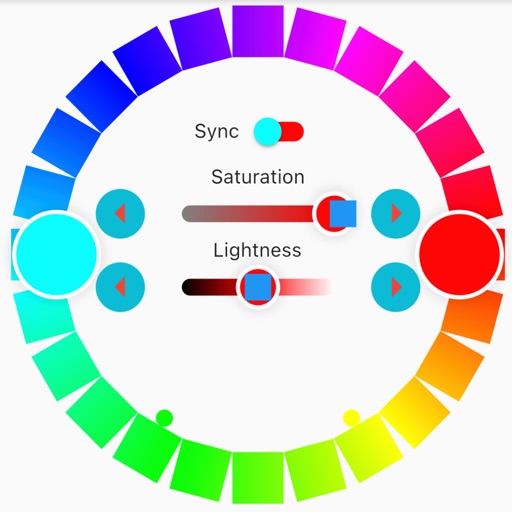
Create personalized wallpapers by selecting colors from color circles. Customize with rotation, shift, blur, filter, and randomize options. Choose from preset gradients or custom color combinations. Preview full-sized and save the design.
Create art with a wax simulator that mimics real-life drawing. Adjust stroke size based on finger contact area for precise control. Draw thin lines with fingertips or broad strokes with full finger pressure.
Create QR for sharing links, contact information, and WiFi networks. Select from seven actions to generate . Save to a personal library. Scan QR with the Camera or within the .
Create home screen icons and themes. Adjust icons, backgrounds, and layouts. Apply new themes with simple taps. Customize layouts and styles to match personal preferences.
Images using a smart palette and blending mode. Choose from mandalas, florals, animals, and patterns. Create custom designs or by number. Export finished artwork to PDF. Quick access to numbers via tap and hold.
Take a photo and tap on a color to identify its name. View color codes and compare shades. Save and share color swatches. Use for selecting paint, wallpaper, or decor.