iPhone Screenshots


Description
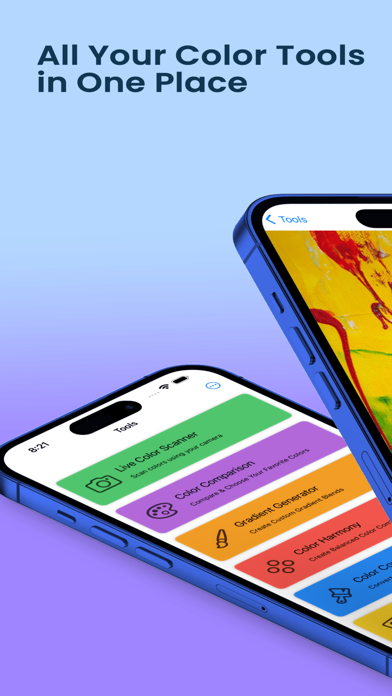
Colour Scanner, the essential tool for color enthusiasts and professionals alike. Whether you're designing, decorating, or just curious about the colors around you, our app provides powerful and intuitive features to make color management a breeze. Here’s what you can expect:
App Features:
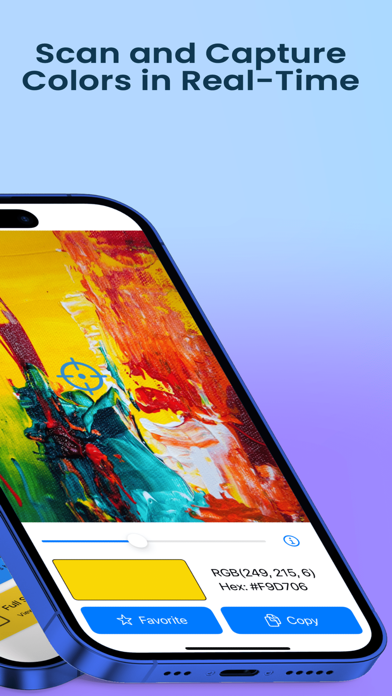
1. Live Color Scanner
Use your camera to scan and detect colors in real-time. The app displays the color in the center of the screen, allowing you to capture and identify colors instantly.
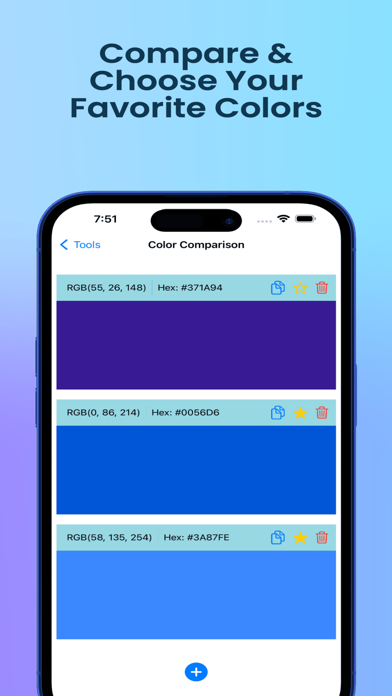
2. Color Comparison
Compare multiple colors side by side. You can easily add colors using the live scanner and see how they stack up against each other.
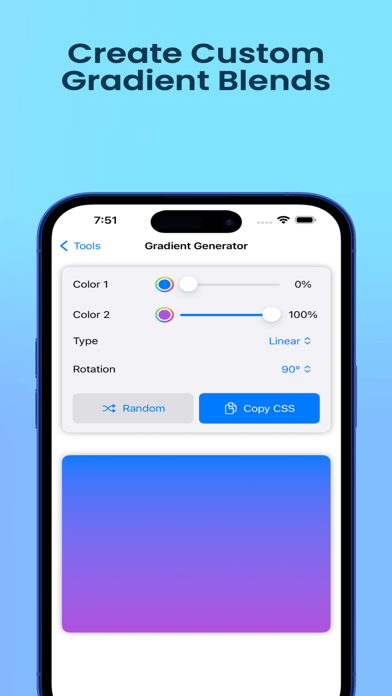
3. Gradient Generator
Create beautiful gradients by selecting multiple colors. Adjust the gradient direction and customize your designs with ease, then save your creations for future use.
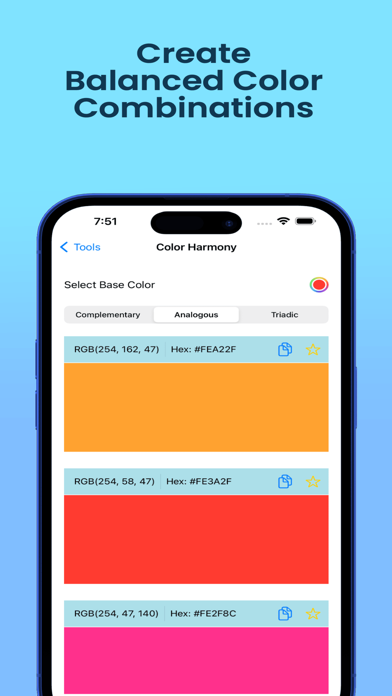
4. Color Harmony Tool
Discover harmonious color combinations based on a selected color. Choose from various harmony types like complementary, analogous, and triadic to find the perfect palette.
5. Color Converter
Easily convert colors between hex and RGB formats. Enter the color in one format and instantly see the result in the other, making it simple to work with different color codes.
6.Full-Screen Color Display
Display and customize a full-screen color with quick access to editing and saving options.
Terms of Use: https://www.apple.com/legal/internet-services/itunes/dev/stdeula/
Privacy Policy: https://boringapps.io/privacy-policy-colors-ar