Practice dancing by watching videos in mirror mode. Loop specific sections or adjust playback speed. Load videos from device storage or YouTube. Use front camera as a mirror while viewing content. Supports partial looping and video playback control.
by Isabel Lee★ 5.02 ratingsPhoto & VideoFreeData updated 2026-09-06
View live video feed from connected dash cam on iOS device. Download and share videos directly from the camera to iOS. Control camera functions like taking photos and recording videos via iOS.
View real-time video feeds and playback recordings from cameras via Wi-Fi or cellular network. Receive instant notifications when device alarms are triggered. Manage DVRs, NVRs, and security control panels remotely.
Split videos into segments of 30 seconds, 1 minute, or 2 minutes. Preview clips before splitting. Choose durations matching platform requirements like TikTok, Instagram Reels, YouTube Shorts, or WhatsApp Status.
Access and replay driving videos from compatible cams. Manage settings, view footage, and control recording options directly through the . Supports multiple device models for video playback and configuration.
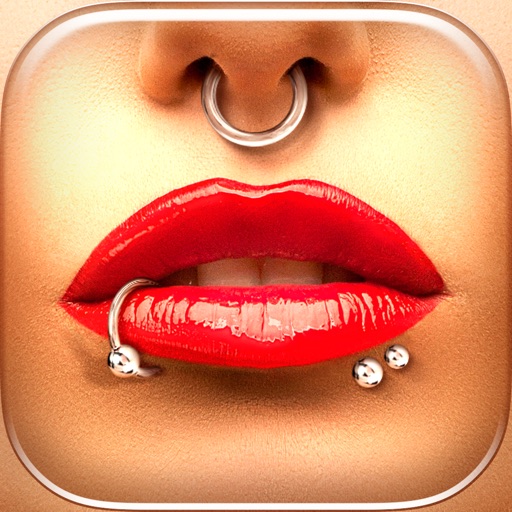
Try different styles with realistic effects. Choose from face, ear, belly, labret, teat, and nose categories. Select from over 300 objects. Adjust placement and size for custom looks. Share edited photos directly.
AI allows users to generate scripts with AI, rephrase text, and create prompts. Features include seamless script scrolling with custom speed, mirroring mode for front/rear camera recording, and multi-view recording with scrolling overlay.
Record video from multiple cameras simultaneously. Switch between camera angles during recording. Capture selfies and scenery in one shot. Share videos directly to social platforms like Instagram and TikTok. Supports iPhone XR and newer models.