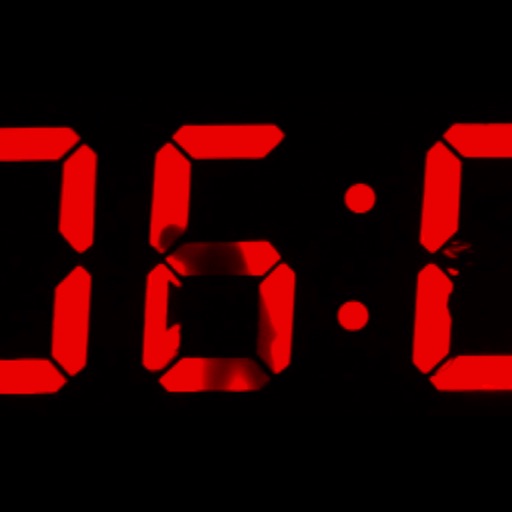
Displays the current time and date in large, readable text. Swipe up to access settings. Choose between 12-hour and 24-hour time format. Select date display options. Toggle visibility of the date and seconds.
X Panel allows customization of layout and quick access to apps, contacts, and system settings. include weather, calendar, and clock. Users can manage notifications, set reminders, and control music playback.
Organize and access contacts through customizable on Home Screen, Lock Screen, and Control Center. Choose from small, medium, large, circular, rectangular, or inline layouts. Launch contacts quickly with swipe gestures.
Display current time, date, day of the week, and battery percentage on home screen. Customize and themes with multiple background and font options. Choose from three sizes. Add to home screen and update as needed. Requires iOS 14.
Display daily time, date, calendar, weather, steps, and more in a customizable widget. Choose from various designs and color schemes. Create custom with full control over functionality and appearance.
Customize lock screen and home screen with vibrant themes. Choose from multiple theme styles including dark and pastel options. Install and apply themes to enhance device appearance.
Access your note-taking Vault directly from the home screen via . Create quick notes without waiting for sync. Customize note destinations to automate workflows like adding to daily notes or timestamping entries.
Create customized to decorate and enhance your home screen. Add text-based and sticky notes for quick reminders. Use pre-designed from the collection tab for easy setup. Adjust colors and layouts to personalize your interface.
This app displays time by videoing someone painting the digits. The anonymous digital clock becomes a performance as each minute is hand painted by a hidden man.