Apply to lock screen by saving them to Camera Roll and setting as wallpaper. Features include dynamic HD animations, optimized for Super Retina displays, and content created by professional designers.
Convert videos into Live Photos and set them as wallpapers. Customize background color or pattern. Adjust size and position. Share live wallpapers to . Supports Instagram Reel, TikTok, Facebook, and Snapchat videos.
Customize lock screens, icons, charging animations, and widgets. Choose and personalize watch faces. Adjust settings to reflect personal style and enhance device appearance.
Set custom and backgrounds with high-quality images. Choose from city, nature, animal, and building themes. Edit favorites, apply filters, and save to camera roll. Supports all iPhone and iPad models in portrait and landscape orientations.
Customize , Lock Screen, and Home Screen with unique . Add Themes and Widgets for enhanced visual appeal. Choose from trending designs to personalize iPhone appearance.
Browse and search for custom to personalize home and lock screens. Set backgrounds with animation or motion effects. Subscribe for unlimited access and remove ads. Renew subscription automatically unless disabled in advance.
View and set high-quality HD for iPhones and iPads. Choose from a curated collection of 4K backgrounds. Customize with a built-in photo editor. Enable full-screen mode. Share directly.
Set home and lock screen with wallpapers. Choose from HD, 4K, and backgrounds inspired by popular genres. Customize wallpapers to match preferred styles and moods. Apply wallpapers directly to device screens.
Customize iPhone lock screen with 3D , liquid light-reactive effects, and AI-generated designs. Choose from daily updated themes including nature, neon, and anime. Apply HD and 4K compatible with all iPhone models.
Customize device background with aesthetic . Choose from a variety of luxurious designs. Set as home screen or lock screen. Preview and apply directly.
Customize device background or lock screen with user-uploaded photos or selected . Choose from solid colors, patterns, and categorized images. Crop and resize to fit screen dimensions. Set as default or save for later use.
Browse and download high-quality . Filter by categories like nature, cityscapes, and abstract. Receive a new wallpaper daily. Organize and set directly from the . Sync with iPhone settings. No additional apps required.
Set as lock screen images. Save selected wallpaper and apply it to the lock screen. Tap the lock screen to activate the wallpaper effect. Works on 6s, 6s Plus, 11, and 12 Plus.
Browse a collection of and nature for Home Screen, Lock Screen, or other devices. Filter by wallpaper framing for iPhone, iPad, or Mac. Download directly from the . View daily featured photos.
Apply 3D wallpapers and static backgrounds to customize lock and home screens. Download wallpapers with one click. Choose from HD, 4K, and 3D effects. Set dynamic backgrounds that move or change with device motion.
View and customize high-quality with daily updates. Browse curated collections and save favorites. Share with friends via social media. Apply to lock and home screens.
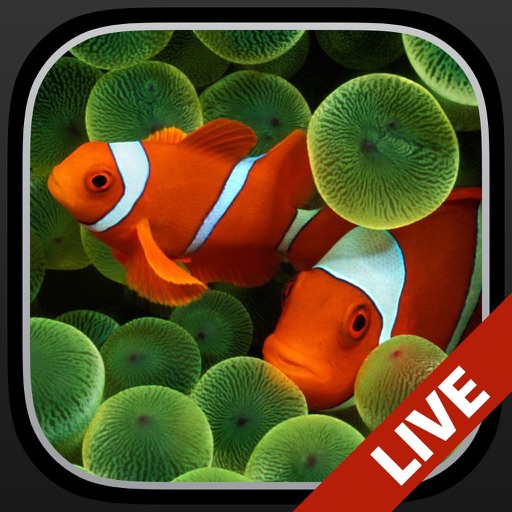
Change the wallpaper with animated scenes featuring sharks, clownfish, and blue tang. Swipe through multiple wallpapers to select favorites. Save preferred wallpapers to the Camera Roll for later use. Requires iPhone 6s or later.