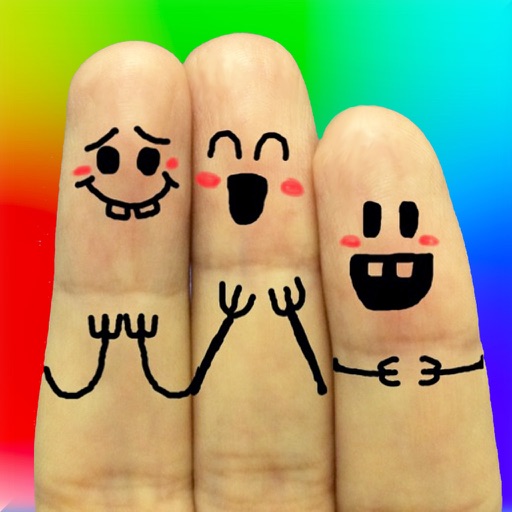
The app allows users to create finger faces using photos from their camera roll or by taking new pictures. Users can add faces, items, stickers, and text, or draw their own creations.
Practice math with levels focused on addition, subtraction, multiplication, and division. Test skills in endless mode aligned with Common Core standards. Unlock new outfits and progress through 52 challenges.
Learn about networks through interactive tutorials and visualizations. Explore simplified datasets and see behavior in real time. Complete mission-based challenges to understand concepts like training, activation, and optimization.
Play by finding hidden words in grids of varying sizes. Swipe to build words and collapse letters. Clear grids by forming words in the correct order. Choose from 6 grid modes with 580 levels across 59 chapters.
PLAY AND LEARN EDUCATIONAL GAMES FOR KIDS PLEI END LERN EDYUKESHINAL GEIMS FO KIDS, TOO
Draw, paint, and create with fun animals
Draw with brushes, markers, or crayons on various pages. Trace shadows to identify animals. Tap blocks to create pixel art. Collect stickers. Paint with vibrant colors and patterns. Choose from multiple pages.
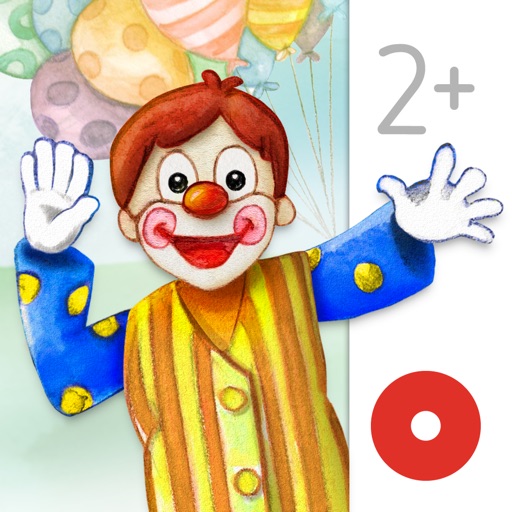
Read interactive picture books with hand-drawn illustrations and over 80 animations. Tap to trigger animations and explore scenes. Share progress and favorite pages with parents.
Access Indonesian language definitions with dictionary entries, word pronunciation, and example sentences. Search for words, view detailed explanations, and use offline functionality without requiring internet connection.
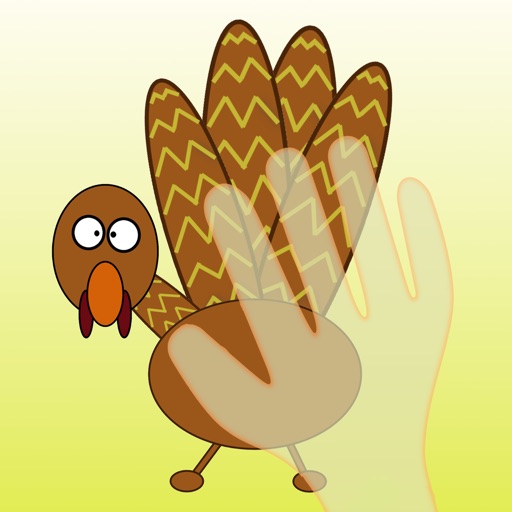
Create turkeys by placing hands on the iPad screen. Trace shapes for accurate artwork. Add decorations like stars, hats, and suits. Share creations with friends. Designed for preschoolers and arts & crafts activities.
Create art with a variety of colors and brushes. Draw with multiple fingers or a stylus. Tap to make polka dots. Shake to erase. Mix colors on the canvas. Draw with both hands simultaneously.
An interactive bedtime featuring journey to find his friend Bear. Learn words and values through a moral tale. Explore offline content with interactive elements. Engage with animated characters and sound effects.
Take notes on unlimited pages with templates like blank, lined, and grid. Import images and PDFs easily. Cut and move content with scissors tool. Use ruler and protractor for shapes. Access scraps via sidebar drawer.