Customize team and match names. Set game-ending points. Use virtual assistant to narrate the game. View goal timestamps in history. Display large dots on home screen for visibility. Adjust colors to personal preference.
by TARSIS DE OLIVEIRA★ 4.98 ratingsUtilitiesFreeData updated 2026-09-06
Track dominoes game scores without paper. Record turns, manage tiles, and calculate points. View current and game progress. Save and review game history. Share scores with other players.
Simulate a game with on-screen controls and scoring. Use the camera for realistic interaction. Play against others to score points. Includes safety warnings and family-friendly gameplay.
Track scores by adjusting team names and modifying inning points. Count and reset balls, strikes, and outs with dedicated buttons. Customize team colors for visual clarity.
Play a simple game where the goal is to hit color dots with a white dot using flippers. Clear levels by removing all color dots without losing the white dot. Track progress through multiple levels.
Simulate lightsabers with realistic sounds and stylish graphics. Customize saber colors and styles. Use camera and vibration for immersive interaction. Select from multiple handle options. Share feedback to improve the experience.
Add notes, goals, or to-do lists to Lock Screen or Home Screen via customizable widgets. Tap widgets to update content instantly. Display reminders, quotes, or task lists directly on device screens. Personalize appearance for visibility.
The app manages judge scores for championships, allowing real-time tracking of player scores. It offers flexible configurations for the number of judges, score types, tests, and sorting methods, making it adaptable for various evaluation scenarios.
Play Solitaire against virtual opponents to compete for ace piles and score points. Remove cards quickly to win. Adjust skill level and number of opponents. Features include animated graphics, small screen optimization, and opponent peeking.
Configure board settings including maximum dots per intersection, neighboring reds, and terrain types. Set game options for expansions and seafarers. Provide game setup guidance and share jokes upon request.
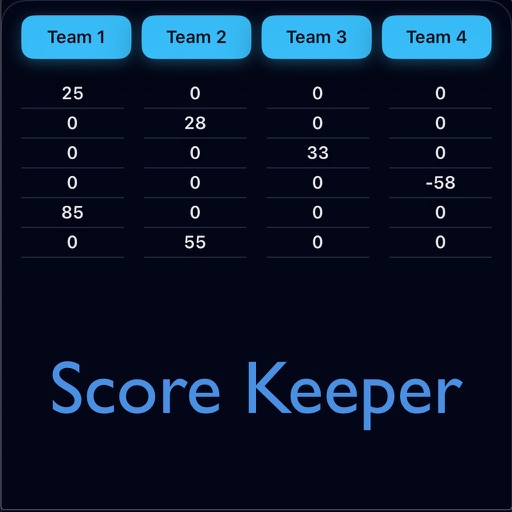
Track game scores with a simple interface. Enter players' names and points manually or through a double match feature. View history for past games. Export results or share via social media.
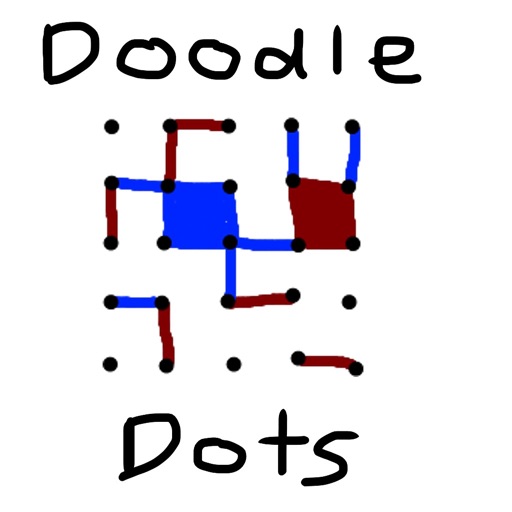
The app provides a digital version of the pencil and paper game Dots. Players connect dots to complete squares, aiming to fill more squares than their opponent.
Track sports scores with one-tap scoring for quick updates. Customize team colors for visual clarity. Set custom victory for each game. Use a built-in timer to manage game duration. Share scores directly via social media.
Track scores for games with customizable player names and team support. Adjust scores by tapping, undo changes, or have scores read aloud. Set final scores and support multiple scoring systems including five, three, or one.
Track scores for the Indian Premier League and other tournaments. View real-time updates, team lineups, and match highlights. Receive notifications for changes and key events. Share scores and commentary with others.
Identifies colors by name and describes their appearance. It allows users to adjust palettes for better visibility. The simulates blindness to help users understand perception differences.
Display memos as on the home screen. Create, edit, and organize notes with text input. Set reminders and categorize memos. Share notes via copy or email. Sync across devices.
Generate words, names, or custom items. Roll dice, flip coins, or pick numbers and letters. Select colors and make decisions for game activities, chores, or entertainment choices.
Access event schedules, purchase tickets, and view venue information. Check game and concert details. Receive real-time updates and notifications for upcoming shows and sports events.