Create and manage image datasets by adding, scanning, or speaking labels. Import or capture images from the photo library. Crop, draw bounding boxes, and tag objects. Export annotated images with labels for machine learning models.
by Rajaram Gurumurthi★ 4.04 ratingsDeveloper ToolsFreeData updated 2026-09-06
Edit photos by applying and effects. Select images from the gallery or camera. Adjust frame position, size, and angle. Choose from multiple stylish frame options and effects.
Take photos or load images from the library. Add handwritten notes and drawings. Apply filters. Enlarge images for detailed editing. Save original files and multiple sizes. Share via email. Paint on images without access.
Resize images by adjusting height or width while maintaining aspect ratio. Compress files to reduce size. Save to camera roll, Files , or share via email, printer, and other native options.
Edit photos by applying filters and adding effects. Choose from 11 types and adjust brush sizes for detailed application. Zoom and pan using two fingers, or draw with a single finger. Save and share edited photos directly.
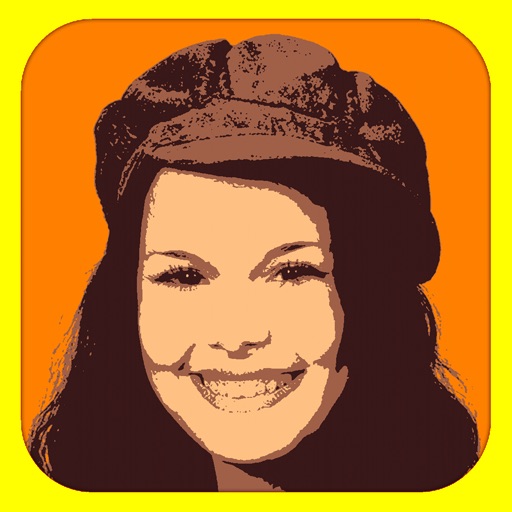
Convert photos into limited-color posters with a effect. Apply filters to adjust colors and brightness. Share images on social media platforms like Facebook and Twitter. Save or email the edited photos directly.
Create mood boards and organize reference images with smart asset management. Pick precise colors and collage freely. Edit across iPhone, iPad, and macOS with unlimited canvas and batch processing.
The app allows users to view QuickTime VR files, including objects and 360° equirectangular images. Users can import and export panos from iOS and keep a collection of full-resolution images on their device.
Resize images to different sizes without cropping or adding borders. Adjust aspect ratios by compressing or stretching, which may distort the image. Best suited for landscape photos, backgrounds, real estate images, or drawings.
Resize images to fit various formats like Instagram posts, stories, Facebook covers, or custom ratios. Adjust aspect ratios manually or select preset options. Apply Fit or Fill modes to scale images without cropping or stretching.
Create collages by taking overlapping screenshots and cropping them together. Use an automatic image stitching feature for vertical layouts. Save collages to the photo library or share them with other apps.
Transform photos into blurry wallpapers for Home or Lock screens. Drag images horizontally to adjust the crop. Use bright, colorful photos for results. Shake to get new images. Save preferred blurriness and access saved images in the Photos .
Resize images to dimensions without aspect ratio constraints. Import, adjust output size, and export immediately. Use presets for batch exports. Supports screenshots for Xcode, Instagram, Facebook, Store, and personal use.
MPScan enhances scanned images by automatically cropping with edge detection and perspective correction. It removes scratches, dust, and noise using smart filters. Users can apply automatic or manual adjustments for image enhancement.
Edit photos with stretching, squeezing, pinching, and prodding tools to create surreal effects. Apply advanced image manipulation techniques similar to professional software. Export edited images in various formats and share directly.
Edit photos with splash effects, convert images to black and white, or apply custom colors. Add filters, zoom in on photos, and use a brush tool. Export and share edited images directly.