Apps Like FastCut: Video Editor & Maker for iPhone and iPad
Edit videos, trim clips, and share memories
Auto-Trim Perfection - Automatically selects and stitches the moments from videos. Frame Your Moments in Style - Apply templates to enhance clips. Edit and export videos directly from the .
by Cardinal Blue Software, Inc★ 4.7100 ratingsGraphics & DesignFreeData updated 2026-09-06
Turn static photos into dynamic videos with one click. Choose from trending AI effects like Luxury Lane, AI Lover, Mermaid Muse, Motion Magic, and Beast Mode. Customize hair colors and body features to create realistic animations.
Create videos using pre-designed templates and custom editing tools. Add text, music, and transitions. Export in various formats and share directly. Import photos and videos from device storage. Adjust timing and effects for professional results.
Create videos using deep-learning frame interpolation. Add blur for rsmb effect or videos. Enhance picture and video quality with AI-driven tools. Adjust frame rate and speed. Apply de-duplication for smoother playback.
Edit videos with trimming, merging, and speed adjustment tools. Add smooth transitions and text overlays. Export in various formats and share directly from the .
Create daily video journals by capturing, trimming, and stitching 1- . Organize content using a calendar view. Share with friends and family. Playback and review life events in a highlight reel.
Create videos by selecting templates, adding images, and customizing text. Rotate images and use stickers. Share videos across platforms. Access trending content and new daily videos. Add personal signatures and edit clips with improved tools.
Edit videos by adding from a catalog or personal library, adjusting volume, and trimming tracks. Include voice recordings with trimming and volume control. Add custom text with size, duration, and positioning options.
Create videos by combining photos and videos. Trim and merge media files. Add background music and transitions. Apply filters to enhance videos. Import from photo library. Share on Facebook, Instagram, YouTube, and email.
In 4K with adjustable settings. Stream to Twitch, YouTube, and Facebook via RTMP. Edit videos, add audio and text, convert to GIFs. Capture dual camera input and create facecam reaction videos.
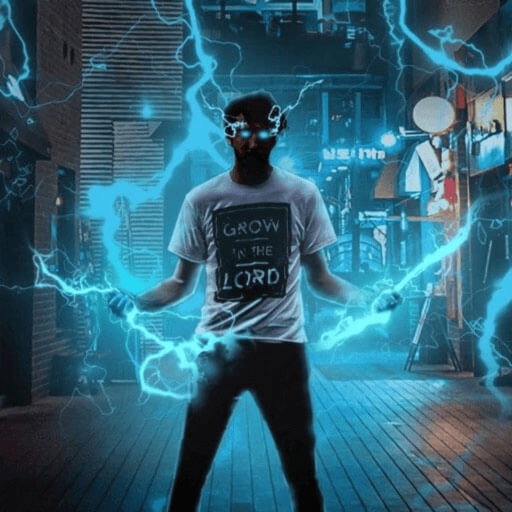
Record and edit videos with visual and templates. Add elements like dragons, magic circles, and space scenes. Include such as fire, laser, and lightning. Export and share edited videos directly.
Compress videos to storage . Adjust compression ratio or customize resolution, bitrate, and frame rate. Batch compress multiple videos. Split videos into shorter clips. Trim, crop, and compress photos. Clean up album videos to free up .
Extract high-quality frames from videos and select the ones. Edit key frames, create animated GIFs, and export custom loops. Share clips directly to social media platforms like TikTok and Instagram.
Edit videos by adding text, music, filters, and sound effects. Apply overlays and voice-overs. Create photo stories animations and artwork. Export final videos in various formats.
Record segments and splice them together. Use Dual Cam for split screen or picture-in-picture. Trim and cut individual clips. Add AI-generated subtitles and remove silent gaps. Edit videos without complex controls.
Allows users to videos to GIFs or live photos and vice versa. Trim video duration, adjust playback speed, and crop dimensions. Export converted files in various formats for sharing.
Record videos with a 4K and add clips to projects via widgets. Edit vlogs by trimming multiple clips to the same length. Create quick recaps, intros, and previews. Browse content from specific dates. Use AI tools to generate images.
Create special videos using preloaded magic and stylish like fire, lightning, laser beams, and neon. Apply to videos or photos. Share finished edits directly with friends.