Apps Like Any: File Explore & Viewer for iPhone and iPad
View, share, and organize files seamlessly
Manage files, media, and contacts across devices. View, share, and delete files directly. Organize system folders and access documents efficiently. Sync and transfer files between devices. Edit images and videos in-built.
by Phuoc Thanh Cao★ 4.5139 ratingsUtilitiesFreeData updated 2026-09-06
Create PDFs from images, text, or Word documents. Edit with advanced tools for customizing layouts and content. Manage files by organizing, renaming, and deleting. Add stunning wallpapers to documents. Share PDFs via email or cloud services.
Secure note-taking with encryption and hidden notes. Store and sync notes offline or with cloud services. Include multimedia, reminders, and rich text. Export as images or PDFs.
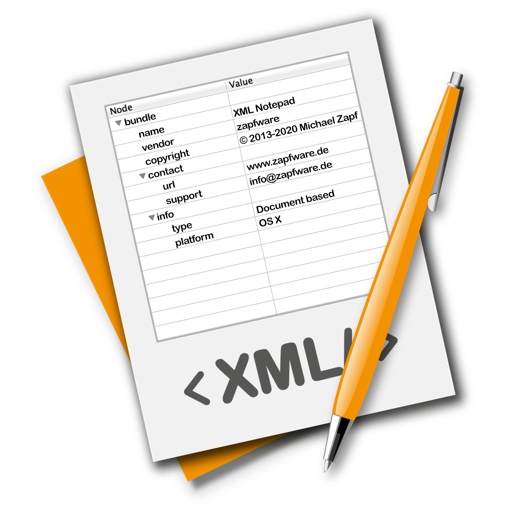
The app provides a lightweight and convenient tool for editing XML files. It allows users to edit, rearrange nodes, or create new XML documents without requiring developer skills.
The app allows users to wirelessly browse files from the PQI Air Pen via WiFi. Users can view documents, images, audio, and video files, and download them to their local device.
Create and manage team projects with visual workspaces. Upload and organize files in one location. Collaborate in real time with chat, comments, and video. Use simple tools to streamline workflow and track progress.
Share files, photos, apps, and text between devices on the same Wi-Fi or hotspot network. Select files to send, choose recipients, and view a history of shared items. Support multiple types and direct transfers without internet.
The app opens Winmail.dat and ATT0001.dat files, allowing users to view email details and extract attachments. It provides a straightforward method for accessing content from Microsoft Outlook-sent files.
File and manager with playlist creation, tag reading, and sorting by track name, file name, or date added. Supports WiFi and USB file transfer. Includes customizable skip controls, variable scrubbing speed, and bookmarking.
Files between devices using Wi-Fi. Send photos, videos, contacts, and documents with a few taps. Supports cross-platform transfers between iOS and other devices. Securely without internet limitations.
Manage jobs and documents directly from your mobile device. Edit scans with cropping, rotation, and brightness adjustments. Share files via email or cloud services. Monitor ink levels and track history. Set default printers and customize settings.